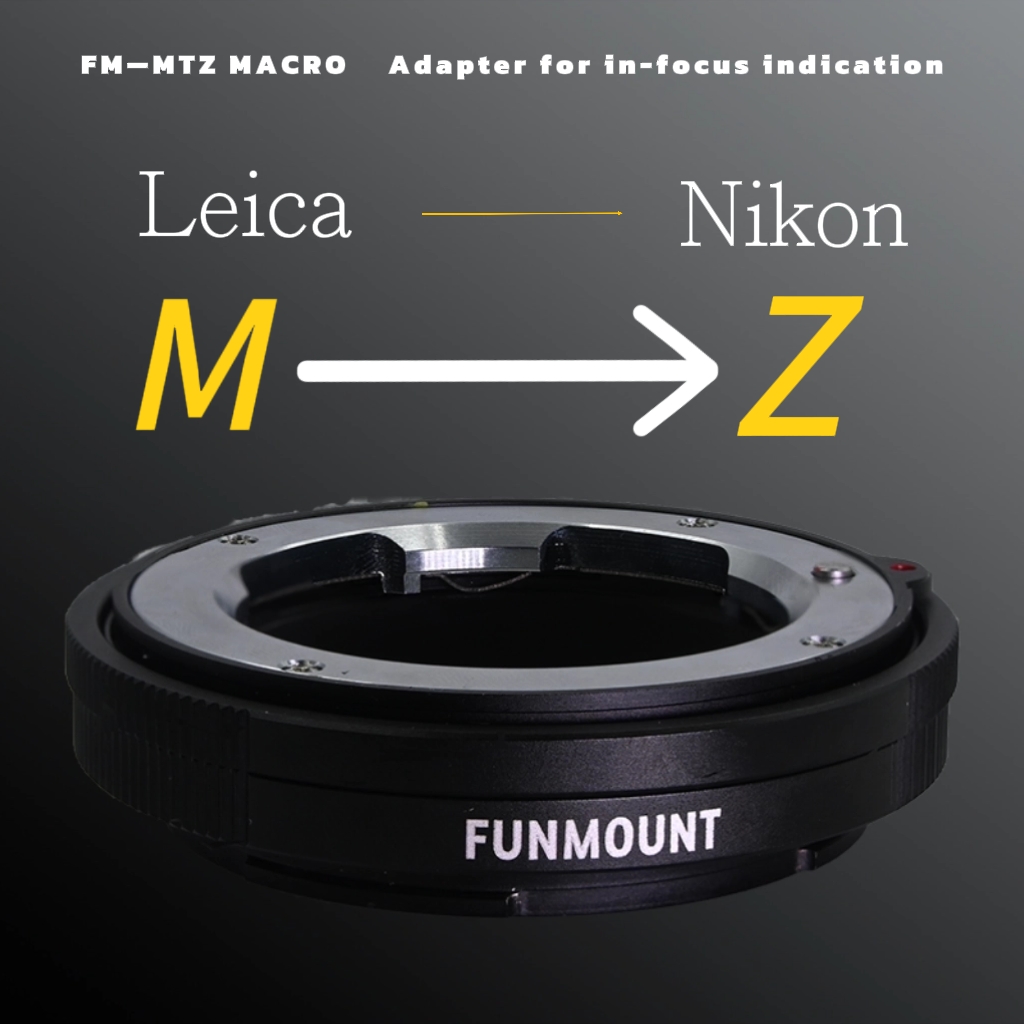
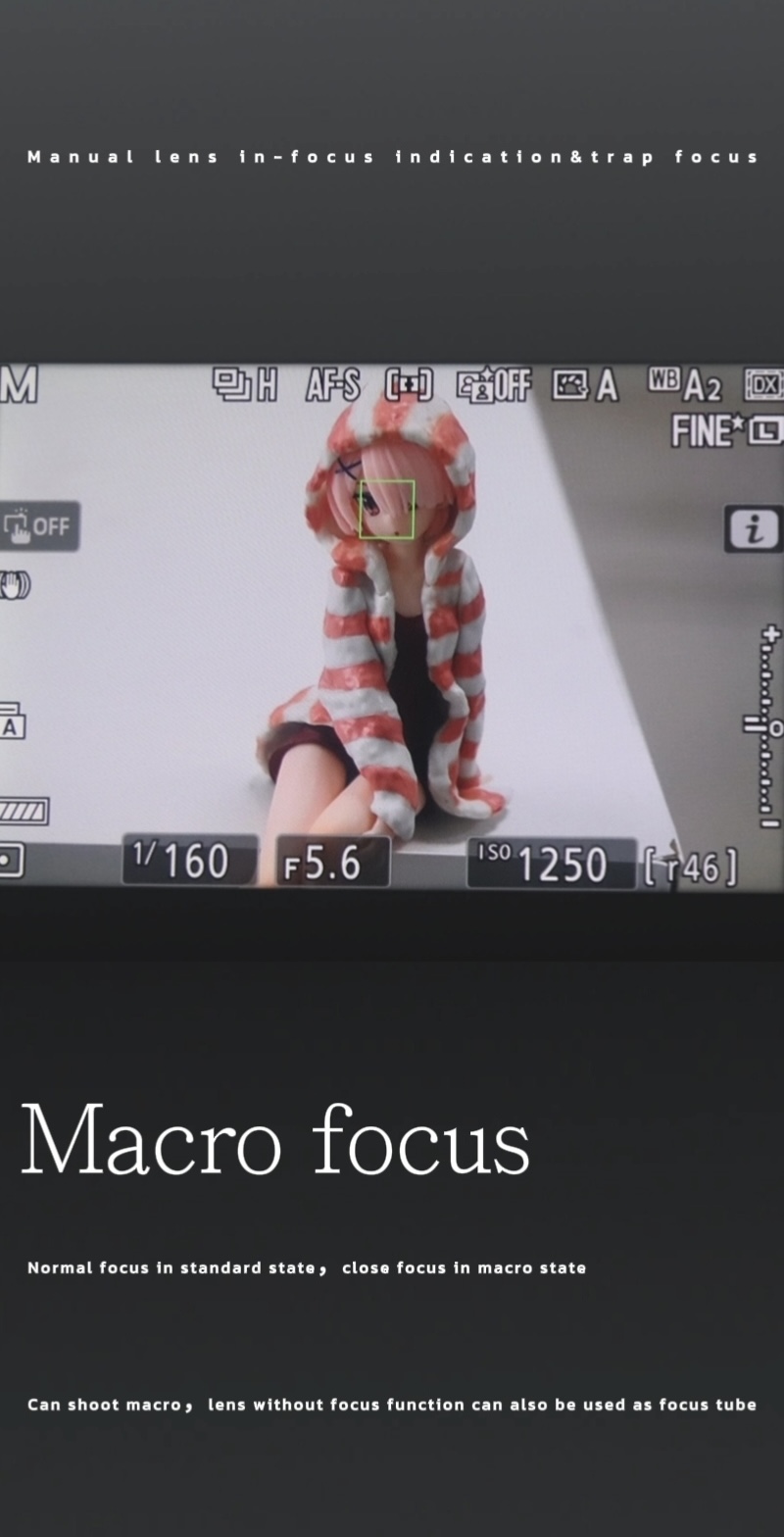
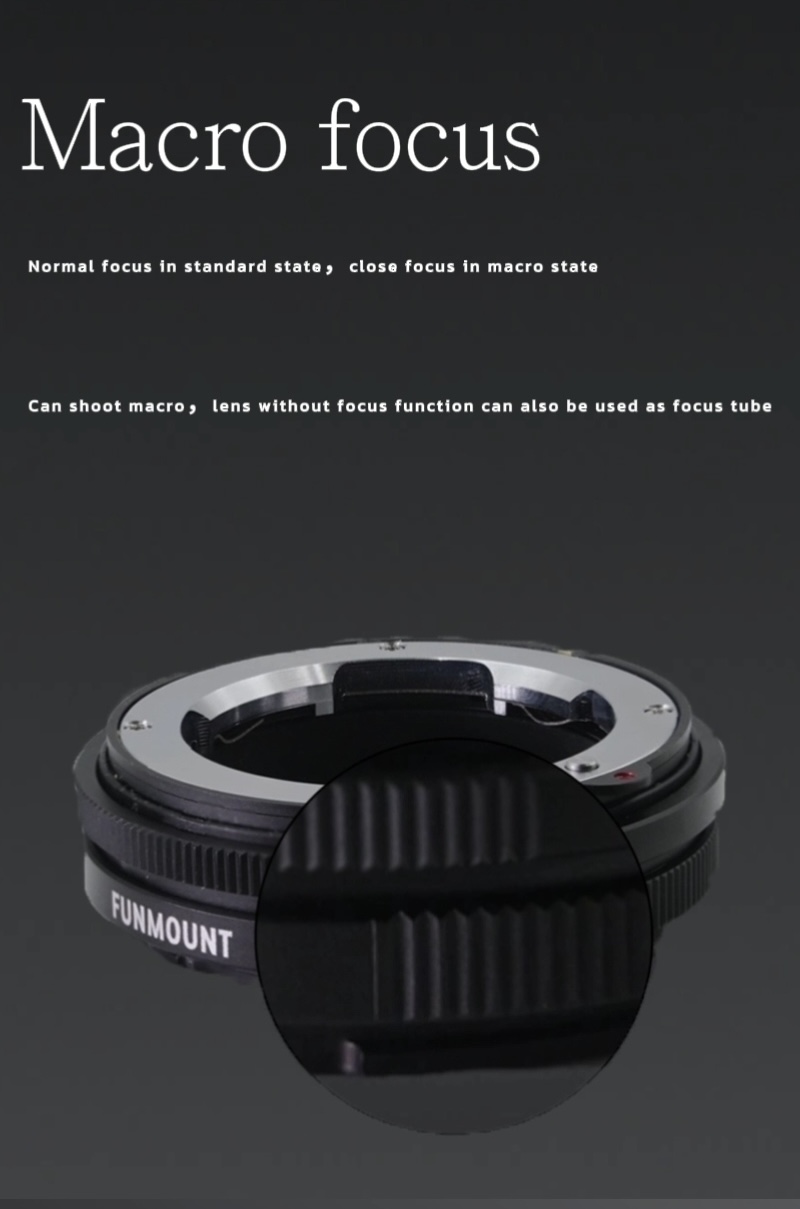
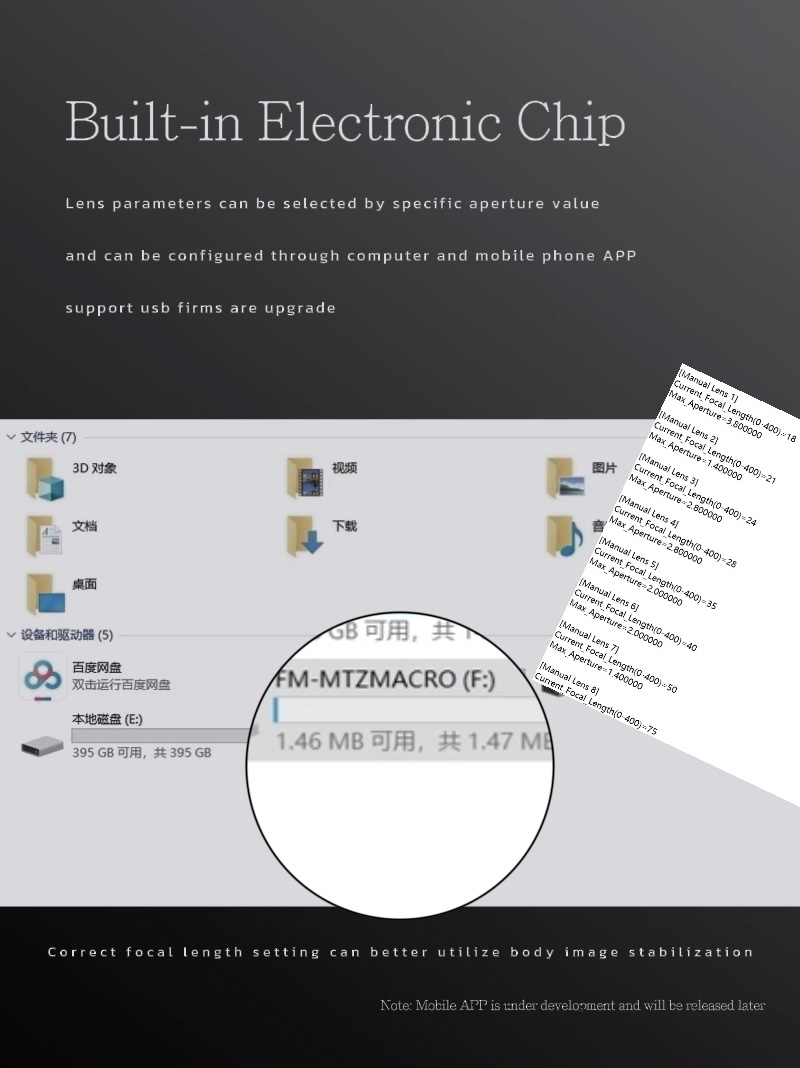
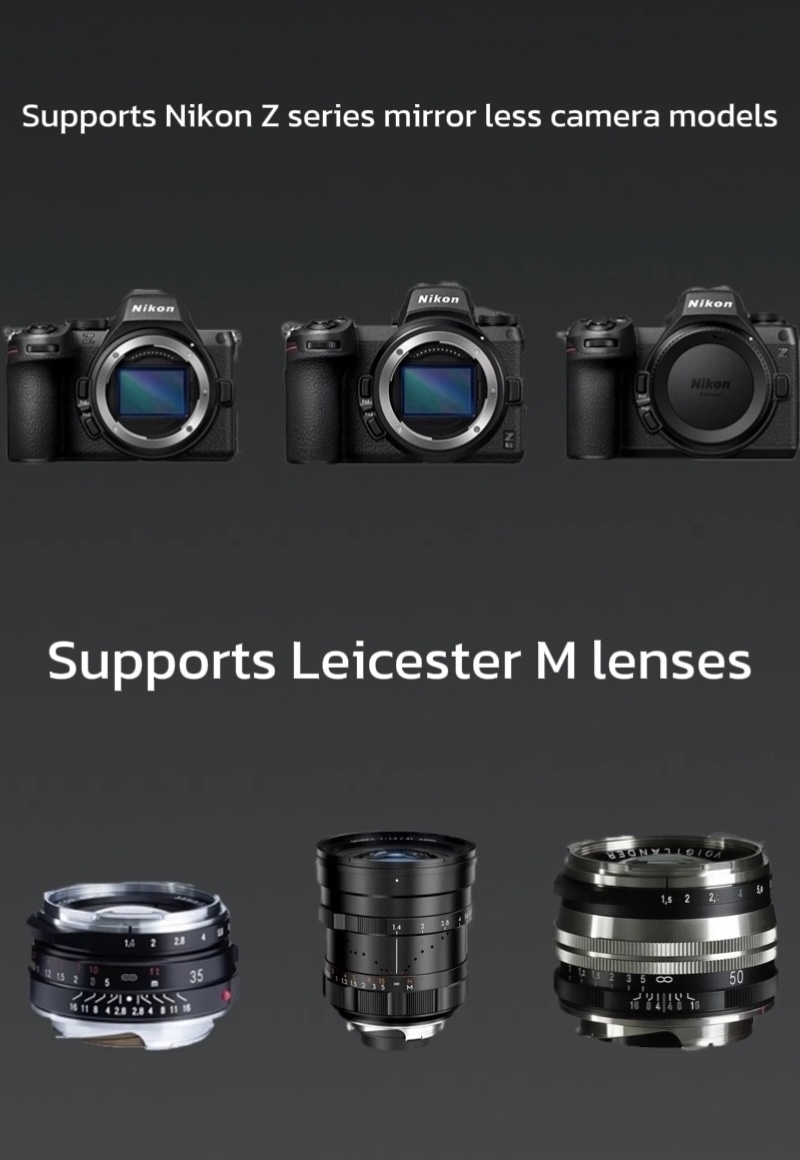
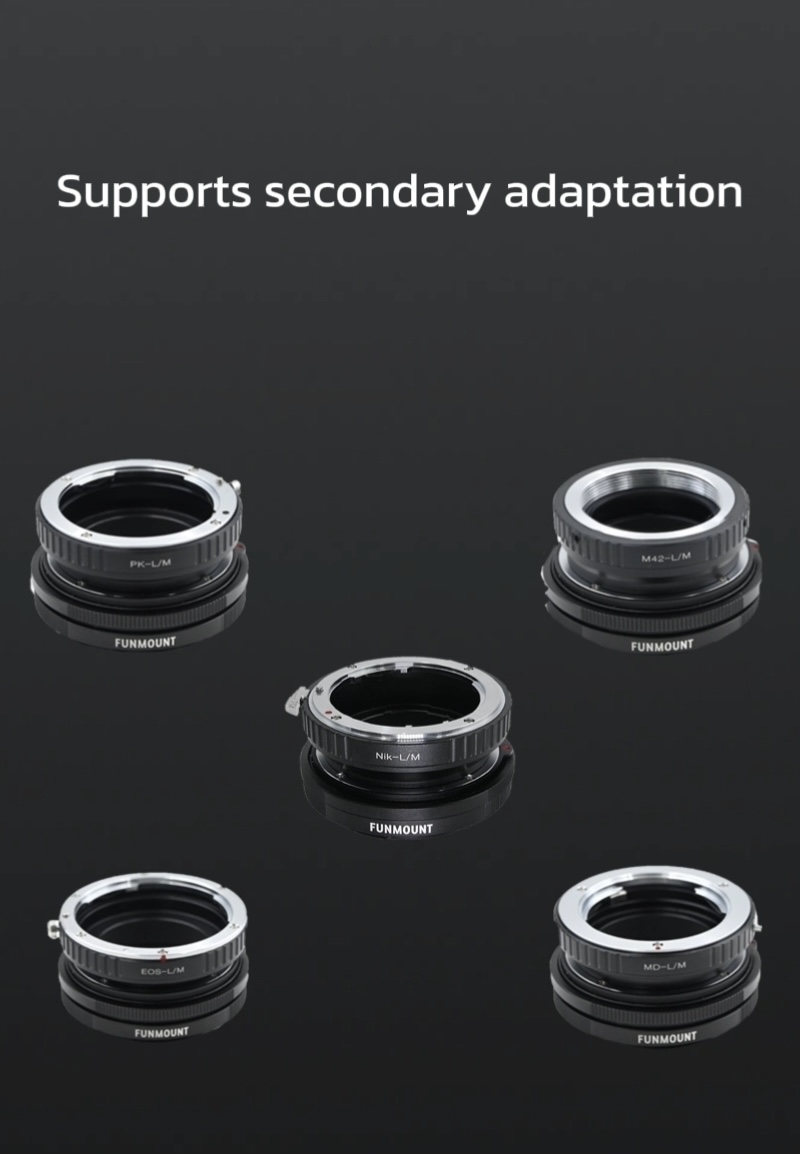
The FM-MTZ MACRO adapter mounts Leica M-mount lenses as usual, and by rotating it to extend, it gives ordinary lenses macro (close-up) capability. A built-in electronic chip provides focus confirmation on Nikon bodies, and you can set a matching focal length for correct in-body stabilisation and EXIF recording.
Firmware updates improve lens compatibility and focus performance. Please confirm the model and version before upgrading.
Remove the adapter from the camera and lens first — the whole process takes about a minute.
Remove the adapter from the camera and lens before upgrading.
Prepare a Windows PC or a Mac.
Download the firmware from the official website: https://www.funmount.com.
Plug the supplied USB Type-C cable into the device and the other end into your computer. An “FM-MTZMACRO” USB drive appears — unzip the file and copy the firmware named FM-MTZMACRO_Vx.x.x into it. Wait a few seconds, restart, then unplug the cable to finish.
After upgrading, check the version in the camera body firmware menu or in the device info of the adapter’s display menu.
A complete record of every compatibility improvement and bug fix.
Click any image to enlarge; use ← / → to browse.
Failed upgrade, version check or compatibility questions — our support team can help one to one.