EN 中文
Get Support
HOMEPRODUCTFM-ETZFM-EFTZFM-MTZ MACROFM-FLASH F1CY-NZPK-NZMD-NZFD-NZMANUALTOOLCUSTOMCONTACTEN → 中文
Home/PRODUCT/FM-ETZ Pro
FM-ETZ · SONY E → NIKON Z

Sony E lenses
autofocus on Nikon Z

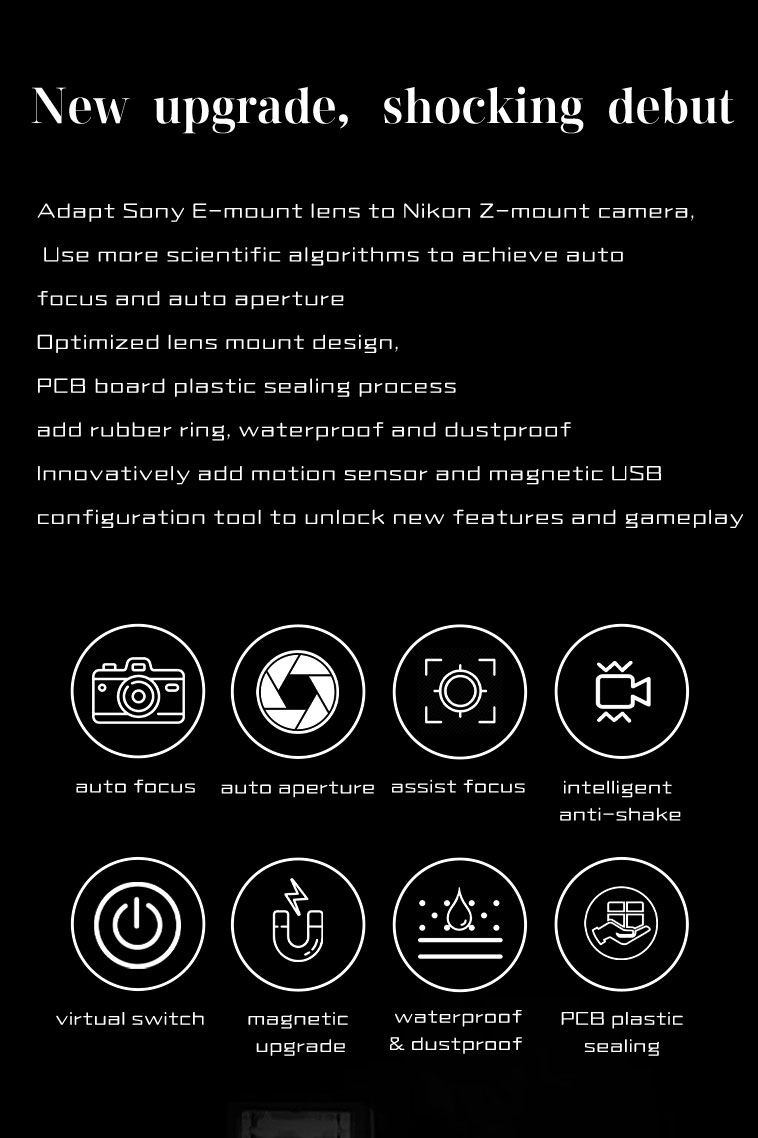
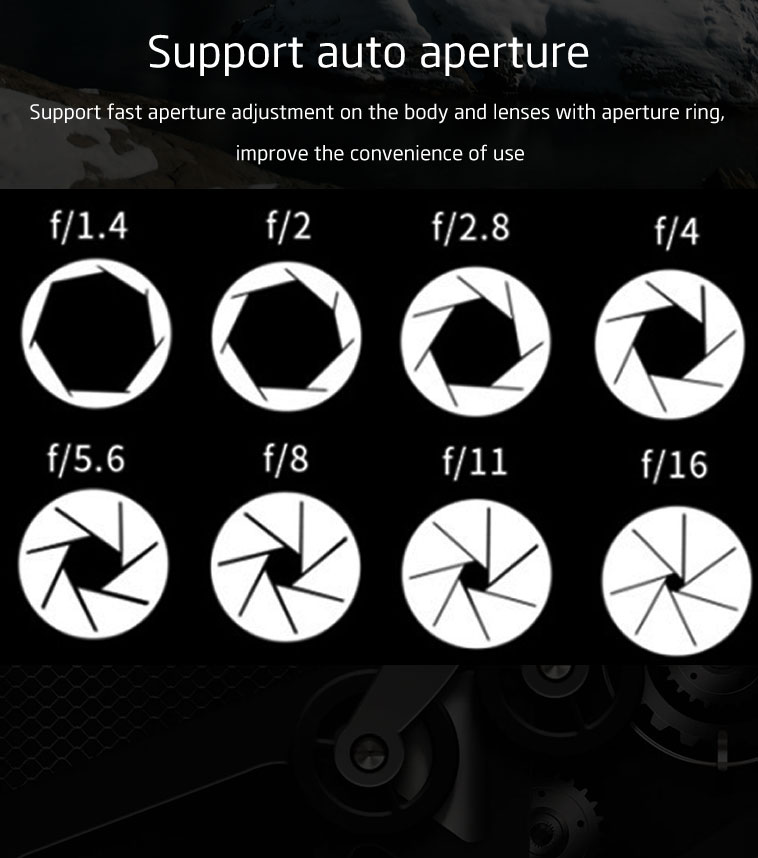
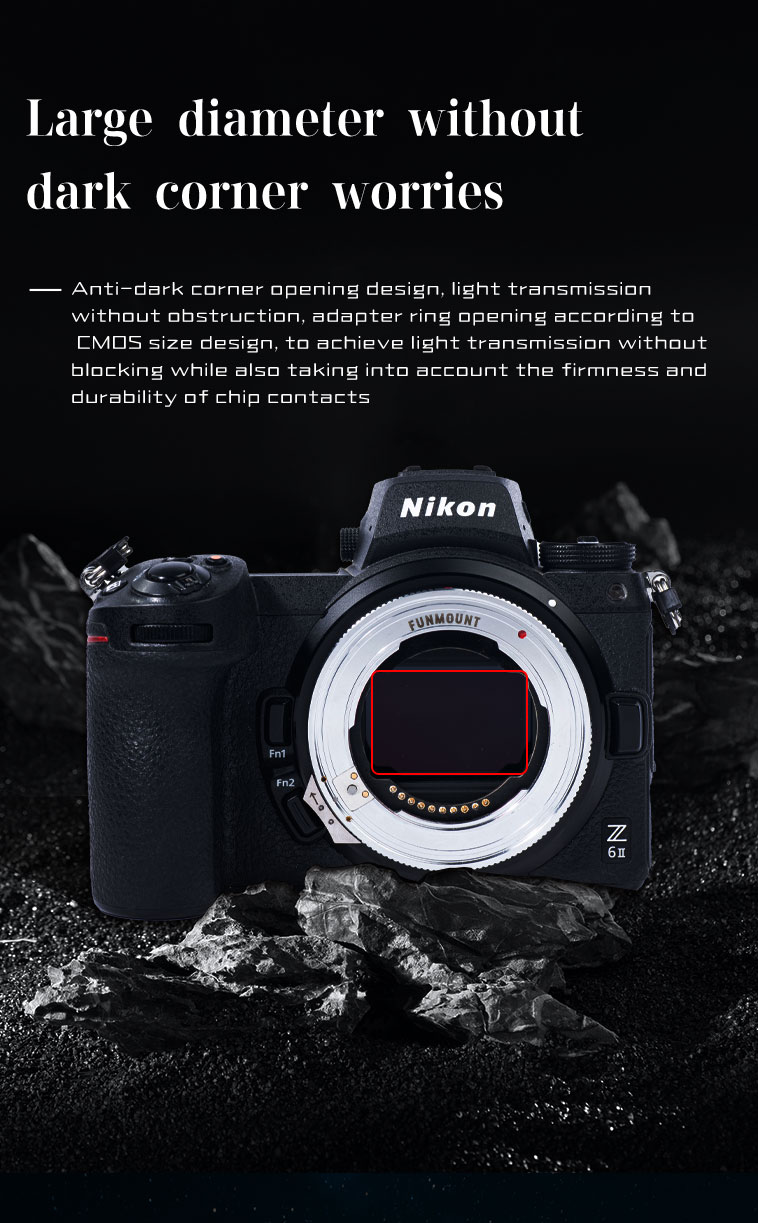
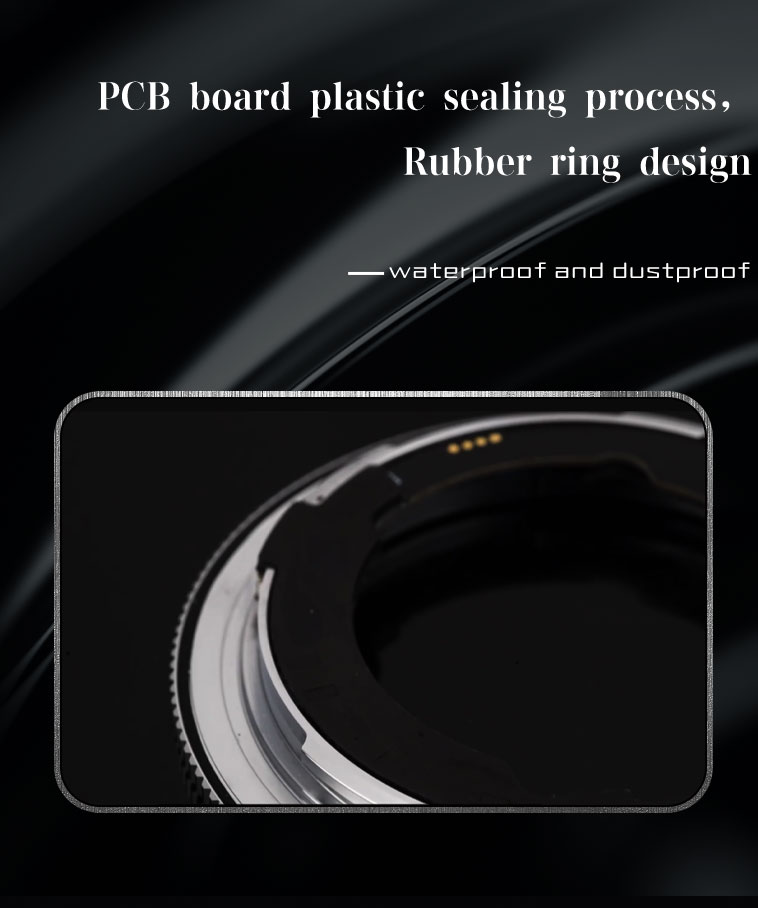
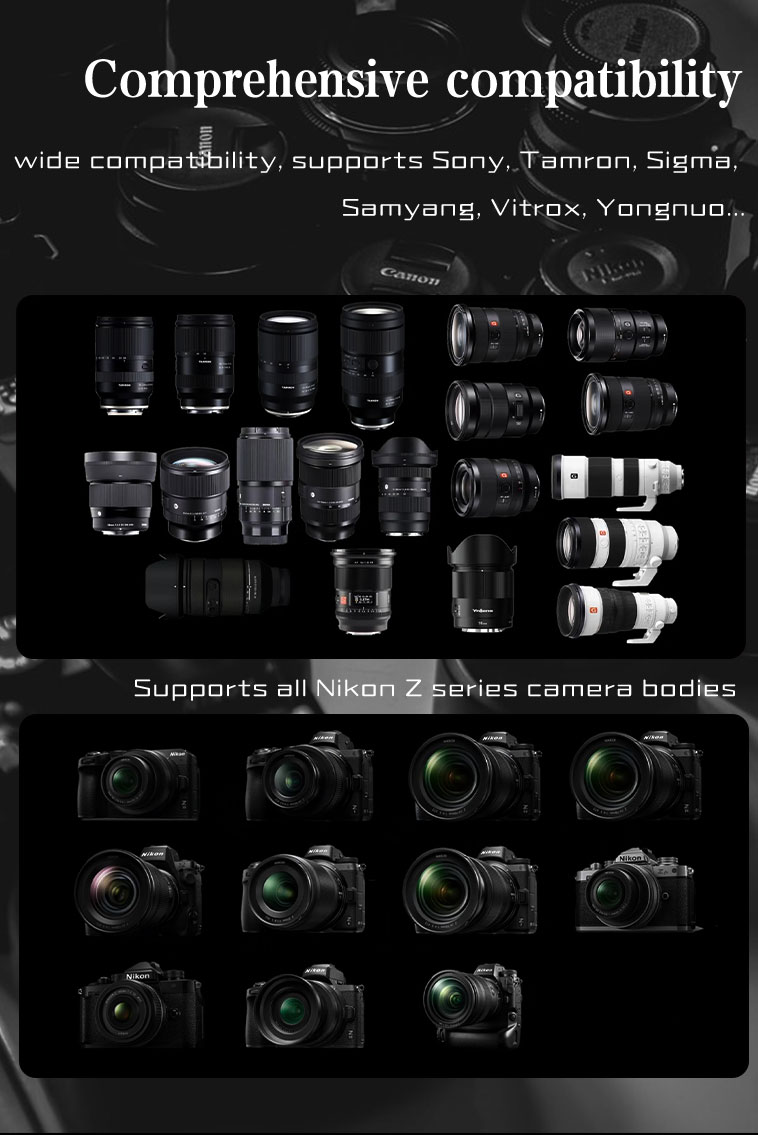
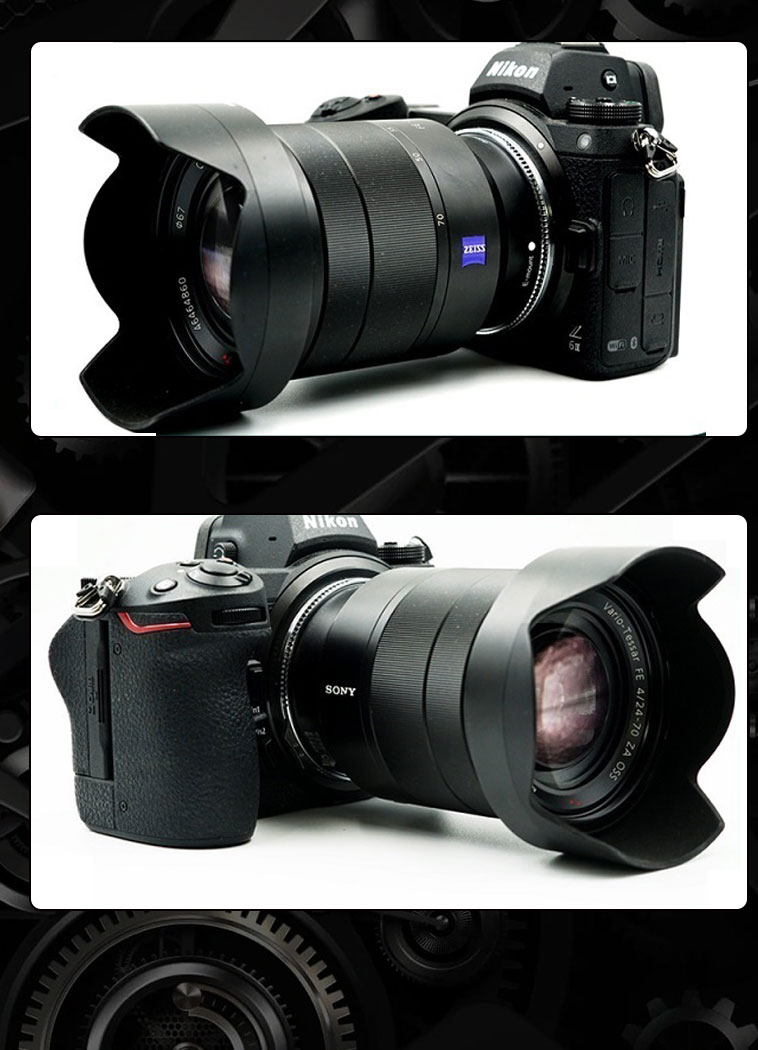
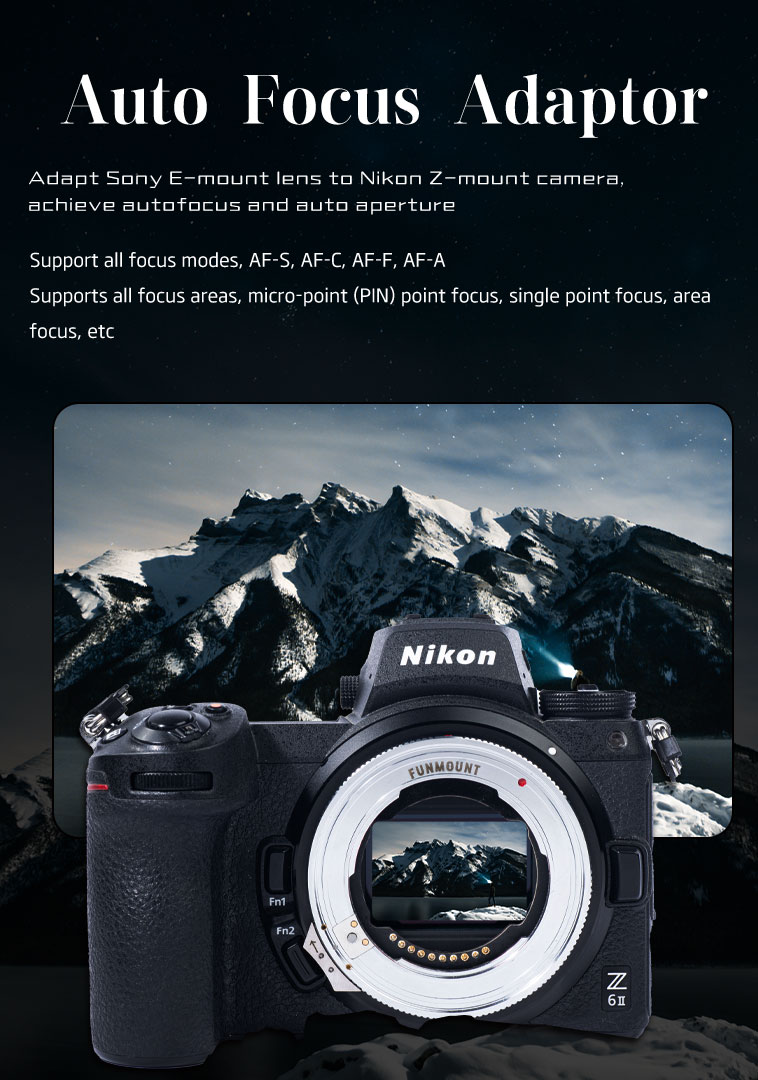
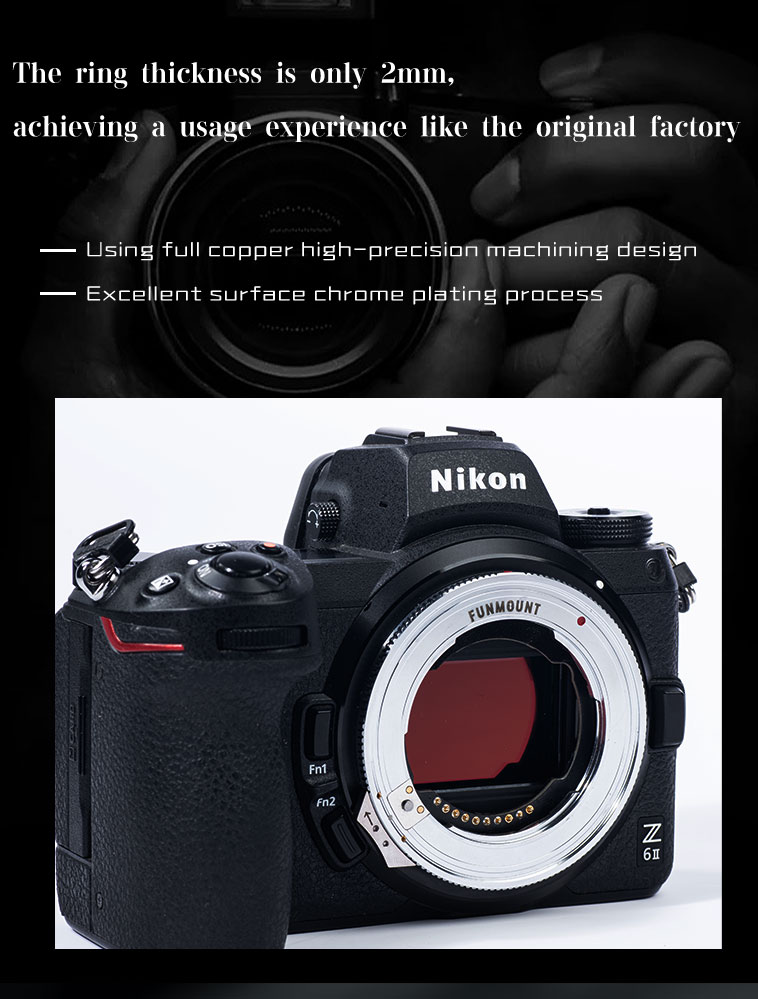
FM-ETZ is built on a deep understanding of Sony E-mount lenses and Nikon Z-mount bodies, with fully upgraded hardware and software that bring Sony E lenses to Nikon Z cameras with autofocus and full functionality. Computing performance is improved, and a motion sensor plus a magnetic USB configuration tool unlock entirely new features and ways to shoot. The software framework was redesigned from scratch, using more scientific algorithms on top of the original Sony and Nikon protocols for more precise focusing.
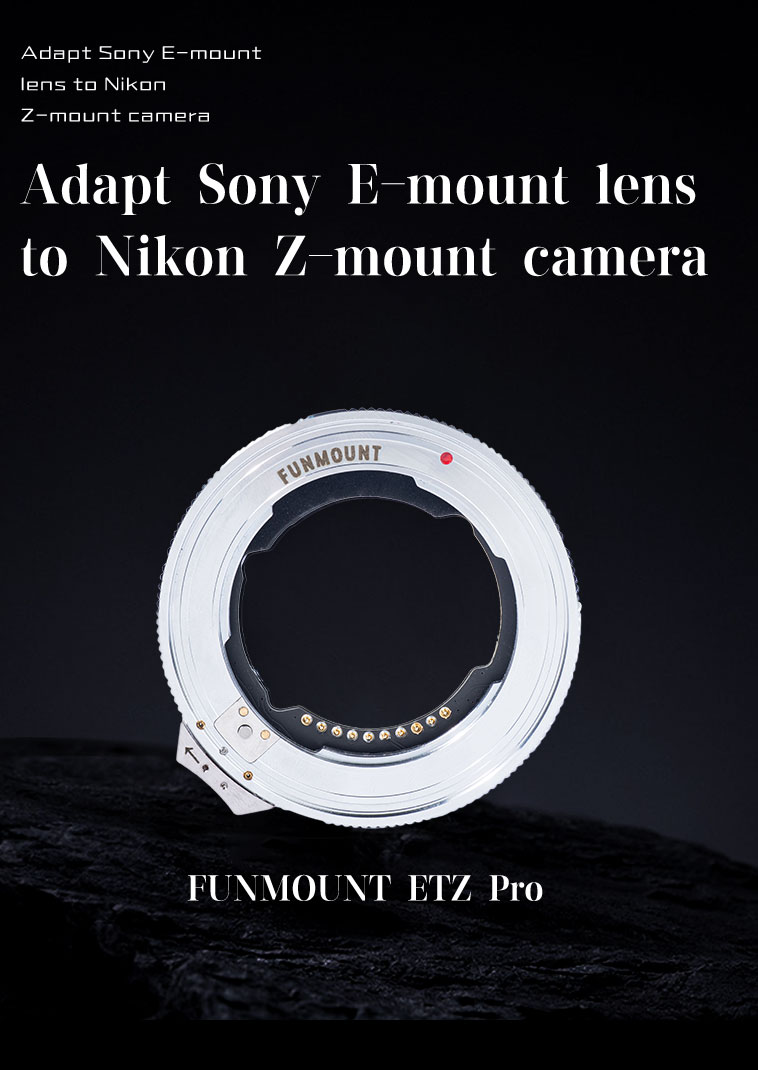
Motion sensorMagnetic USB configNew software frameworkMore precise AF
FM-ETZ Pro
Firmware

Firmware Downloads

Firmware updates improve lens compatibility and focus performance. Please confirm the model and version before upgrading.

ZIP
FM-ETZ_V2_9_8 firmware + release notes49.98 KB · Released 2025-12-02
Download ↓
ZIP
FM-ETZ_V2_9_6 firmware + release notes50.05 KB · Released 2025-08-07
Download ↓
ZIP
FM-ETZ_V2_9_4 firmware + release notes49.34 KB · Released 2025-07-03
Download ↓
9 records · showing the latest 3 builds View all firmware →
How to upgrade

How to Upgrade

Remove the adapter from the camera and lens first — the whole process takes about a minute.

1

Remove the adapter from the camera and lens before upgrading.

2

Prepare a Windows PC or a Mac (if an upgrade fails on macOS, retry on a Windows computer).

3

Download the firmware from the official website: https://www.funmount.com.

4

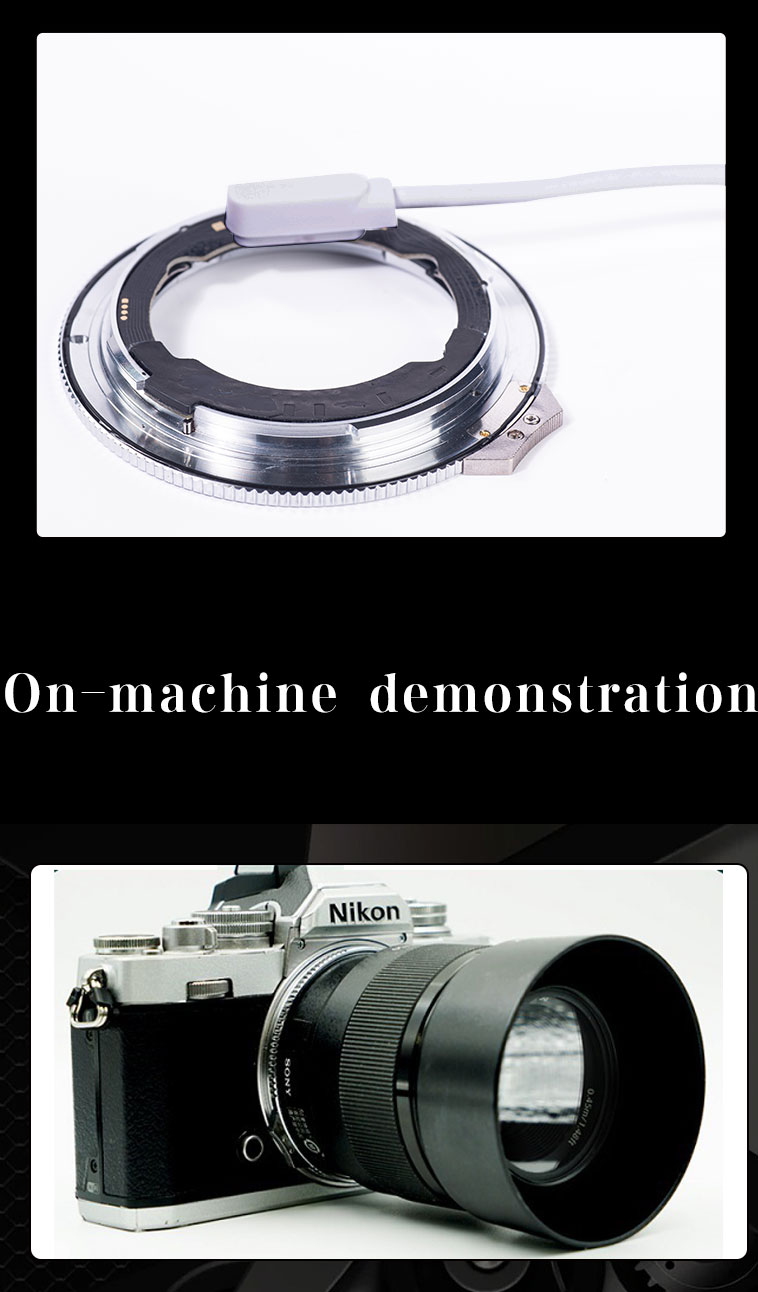
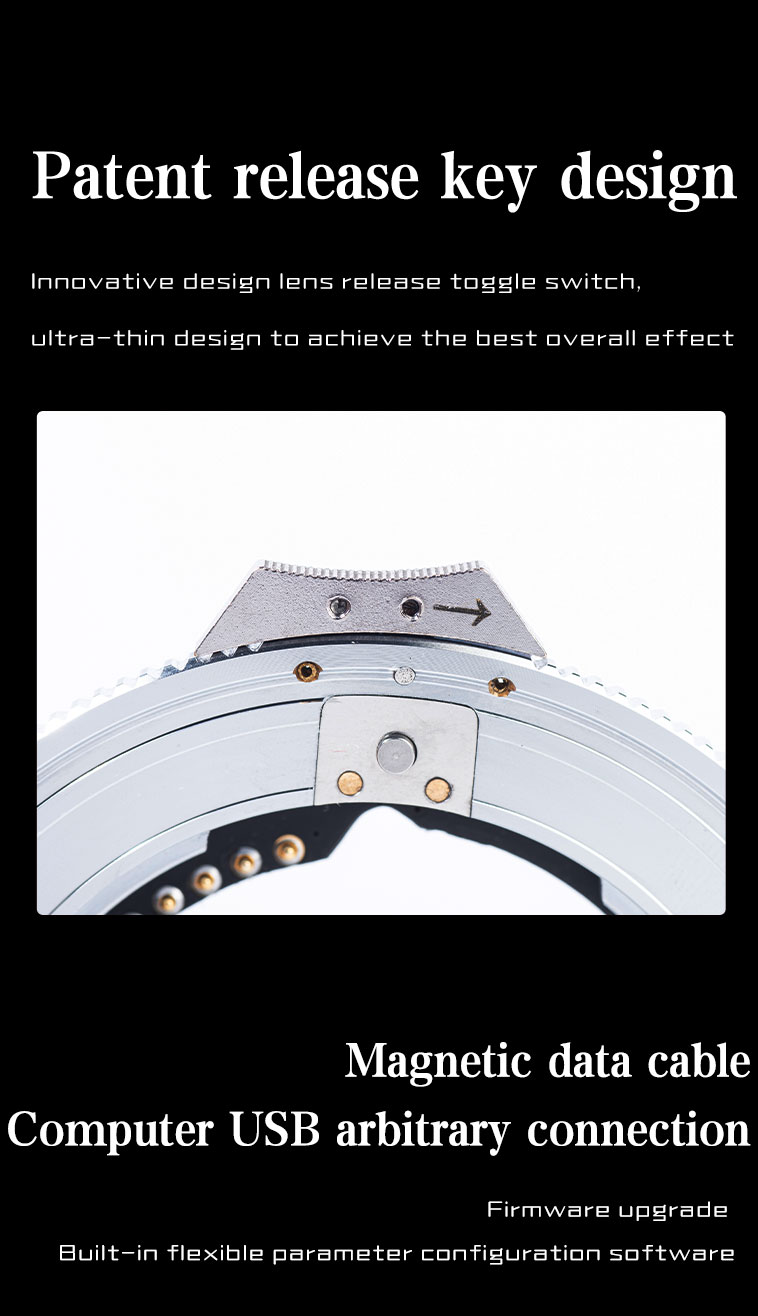
Place the supplied magnetic USB cable on the firmware upgrade contact and plug the other end into your computer. An “FM-ETZ” USB drive appears — unzip the file and copy the firmware named FM-ETZ_Vx.x.x into it. Copying completes the install; unplug the cable to finish.

5

After upgrading, reconnect the adapter to the computer — the file named after the firmware version is your current version. You can also check it in the camera body firmware menu.

Release notes

Release Notes

A complete record of every compatibility improvement and bug fix.

V2.9.82025 / 12 / 2
  • Solved some bugs in the previous version, which caused some lenses to fail to focus
V2.9.62025 / 8 / 7
  • Solved some bugs in the previous version, which caused some lenses to fail to focus
V2.9.42025 / 7 / 3
  • Added compatibility with Nikon Z8 3.0 firmware
  • Optimize the focus performance of Sony 20 F1.8GM and Sigma 70F2.8 DG MACRO
  • Add support for Seven Artisans lens 24 F1.8
  • Fix the conflict between the manual focus ring and the autofocus of a small number of lenses, resulting in a focus offset bug when AF is in focus
(Note: For the changes to Z8 3.0 firmware, Only for Z8 machine 3.0 firmware has the following points to note: a: If the lens is not changed, you only need to wait for 3 seconds or more after each shutdown before restarting, and avoid rapid restart after shutdown b: If you change the lens, you need to wait a few seconds before turning on the camera for the first time. Then you need to turn the camera off and wait for 3 seconds or more before turning it on again. In the future, just be careful not to turn it on quickly after turning it off.)
V2.9.32025 / 5 / 21
  • Optimize the focus performance of Sony 85 F1.8GM, Tamron 20mm f2.8, Sony 28-70f2, Viltrox 35f1.8, Sony E 24mm F1.8, Sony FE 135mm F1.8 GM
  • Optimize Sigma 28-45F1.8, the aperture is displayed as F1.9
  • Modify a code bug in focus control
Show 12 earlier versions
V2.9.02025 / 1 / 17
  • Improve the overexposure problem of slow aperture lenses and small aperture
  • Improve the inaccurate exposure problem during high-speed continuous shooting
  • Compatible with Vitrox 28F4.5, optimized Sigma 16-28
V2.8.02024 / 10 / 23
  • Optimize focus-related algorithms, solve the focus bug of Sony 50F1.2, optimize Sony5F1.8, 55F1.8, 85F1.8, etc
  • Optimize video focus stability, occasional twitching
  • Solve the problem that the auto focus of Samyang 45F1.8 75F1.8 is invalid and can only be focused manually
V2.7.0
  • Solved the compatibility issue caused by the original version 2.6.0 firmware of a small number of lens focusing operations
  • Optimize sigma 135f1.8 speed, sigma70-200, Sony 100-400F4.5-5.6, Tamron 28-75, Sigma 14-24F2.8, Sony 70-200F4 and other lenses
V2.6.0
  • Optimized the Sony 50F1.2, Sony 40F2.5, Sony 35F1.8, Sony 18-135F3.5-5.6, Sony 24-105F4, Sony 85F1.4GM lens adapter performance
  • Optimized the lens adapter performance of Sigma 85F1.4, Sigma 16-28F2.8, Sigma 14-24F2.8, Sigma 105F2.8, and Sigma 105F1.4
  • Optimized the lens adapter performance of Tamron 50-400, Samyang 85F1.4, Samyang 50F1.4, and Sirui 56F1.2
  • Solve the problem of Voigtländer’s manual focus but automatic aperture lens having contact points, and the MF switching is controlled by the body
V2.5.4
  • Optimized the focusing performance of Sigma 150-600, 30 DCDN, 16 DCDN, 56 DC DN, 23 DC DN, 65F2, Sony 85F1.4GM, Tamron 50-400, etc
  • Added the ability to keep the last focus position when booting by default, and the file device can be configured
  • Solve the problem that the focus does not work in the latest 03 firmware of Vitro 75F1.2
  • Optimize adjustments to increase aperture execution time
V2.5.3
  • Fixed some lens anti-shake switch control logic issues
  • Fixed the issue where the camera may report an error when exposed for a long time on some cameras, and improve the stability
  • Solve the problem of abnormal aperture shrinkage after turning on the computer and the resulting focus twitching
  • Optimize the focus speed of Tamron 35 28 20 macro, and the overexposure problem caused by slow aperture speed
  • Targeted optimization of focusing performance of Yongnuo 35F2 and SONY 55F1.8ZA
V2.5.2
  • Support low-light and bright-light scenes, focus mode adaptive, improve focus and pin focus accuracy in low light
  • Optimize the focusing effect of SONY 50F1.4 ZA, Samyang 85 F1.4, 55mm F1.8 ZA, Sony FE 24-70mm F2.8 GM II, Viltrox 75F1.2, and the slow focusing of some Sigma prime lenses
  • Fix the shooting delay in high-speed continuous shooting when the lens aperture is smaller than F5.6
  • Modify the anti-shake command strategy and fix some APSC lens anti-shake abnormalities
V2.5.1
  • AFC focus mode and continuous shooting optimization, providing better focus tracking effect
  • The video focus is further optimized, and the far-near switching of telephoto lenses or lenses with shallow depth of field is significantly improved
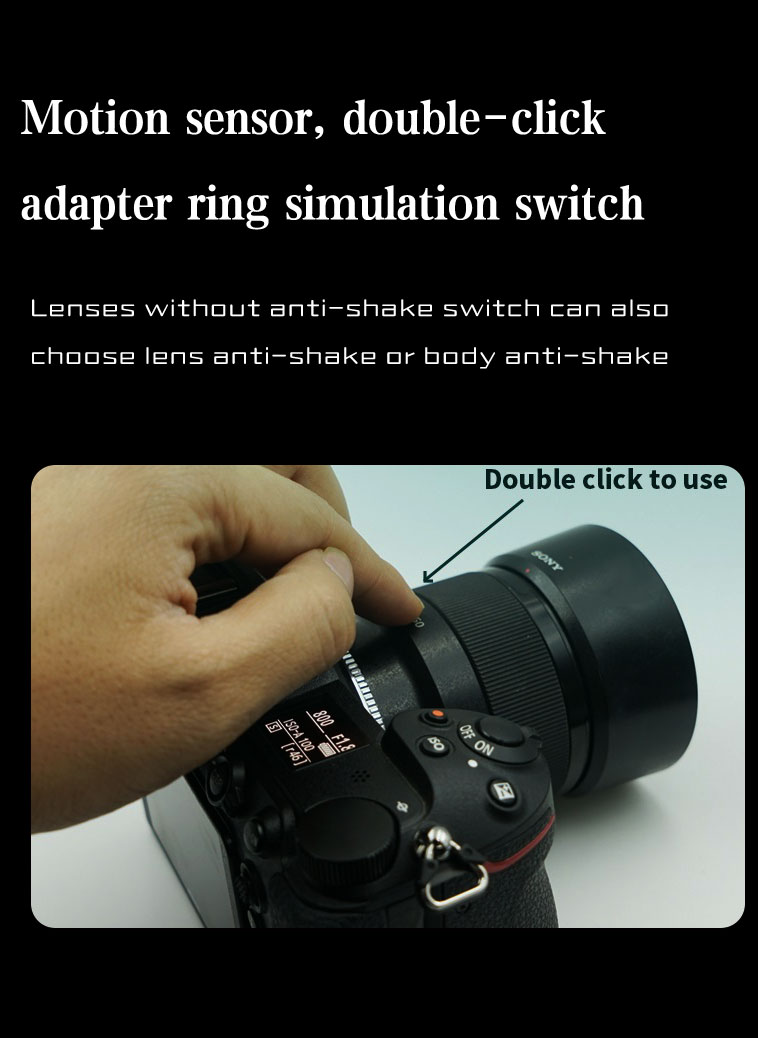
  • Fix the problem of double-clicking the anti-shake switching of the lens without the anti-shake switch
V2.5.0
  • Solve the anti-shake problem of the adapter part of the lens body
  • Optimizing the compatibility of the lens, solving the problem that the Tamron 17-28F2.8 cannot work
  • The focus ring is turned on by default to meet the requirements of most users, and the AF + manual focus ring can work at the same time. If you need to turn off the focus ring during AF, you can set Focus ring always on to '0' in the configuration file. After closing the focus ring is only valid in MF mode
  • Focus performance optimization, improve the focus accuracy of the telephoto lens
  • Fix the bug of manual lens configuration parameters in the previous version
  • Increase the fault tolerance mechanism and improve the reliability
V2.4.1
  • Fixed slow far-to-near switching in some scenarios, based on V2.4.0.
V2.4.0
  • Add lens custom button control function, unlock Sony, Tamron custom button function can be set in the Nikon body menu. Tamron lenses support all custom functions in TAMRON Lens Utility. With double-click to switch the anti-shake function, it can be realized on some lenses, and the anti-shake button that is missing on some lenses can also be realized virtually, allowing more flexible use of anti-shake
  • Realize that the lens focus ring takes effect when the lens or body is switched to MF mode, preventing accidental touch after auto focus is in focus
  • Solve the problem of exif information error (other third-party analysis is normal, and Nikon Workshop software is abnormal)
  • Triple-click to add lens feedback, the default speed priority mode; when switching to precision priority mode, the lens focus distance is at the shortest position, and when switching to speed priority mode, the lens focus distance is at the farthest position
  • Optimize the focus effect, the video focus is more stable, and the AFC is improved
  • The firmware version of the adapter ring can be checked in the firmware menu of the body, or it can be checked by inserting a USB flash drive into the computer
V2.3.0
  • Support manual lens focus trap function: manual lens is recognized as AF lens by default, and in AFS mode, press and hold the shutter to adjust the focus until the shutter is in focus and then take a photo with the shutter. The user can switch between MF\AF mode on the body menu
  • Fix manual lens configuration parameter parsing bug
  • Optimize the telephoto focus effect of Tamron 28-200
  • Open and tap three times in quick succession to switch the focus mode: speed priority and precision priority. (The default is speed priority when booting)
Gallery

Gallery

Click any image to enlarge; use ← / → to browse.
SUPPORT

Need help upgrading?

Failed upgrade, version check or compatibility questions — our support team can help one to one.

Contact support →Open Bluetooth upgrade tool