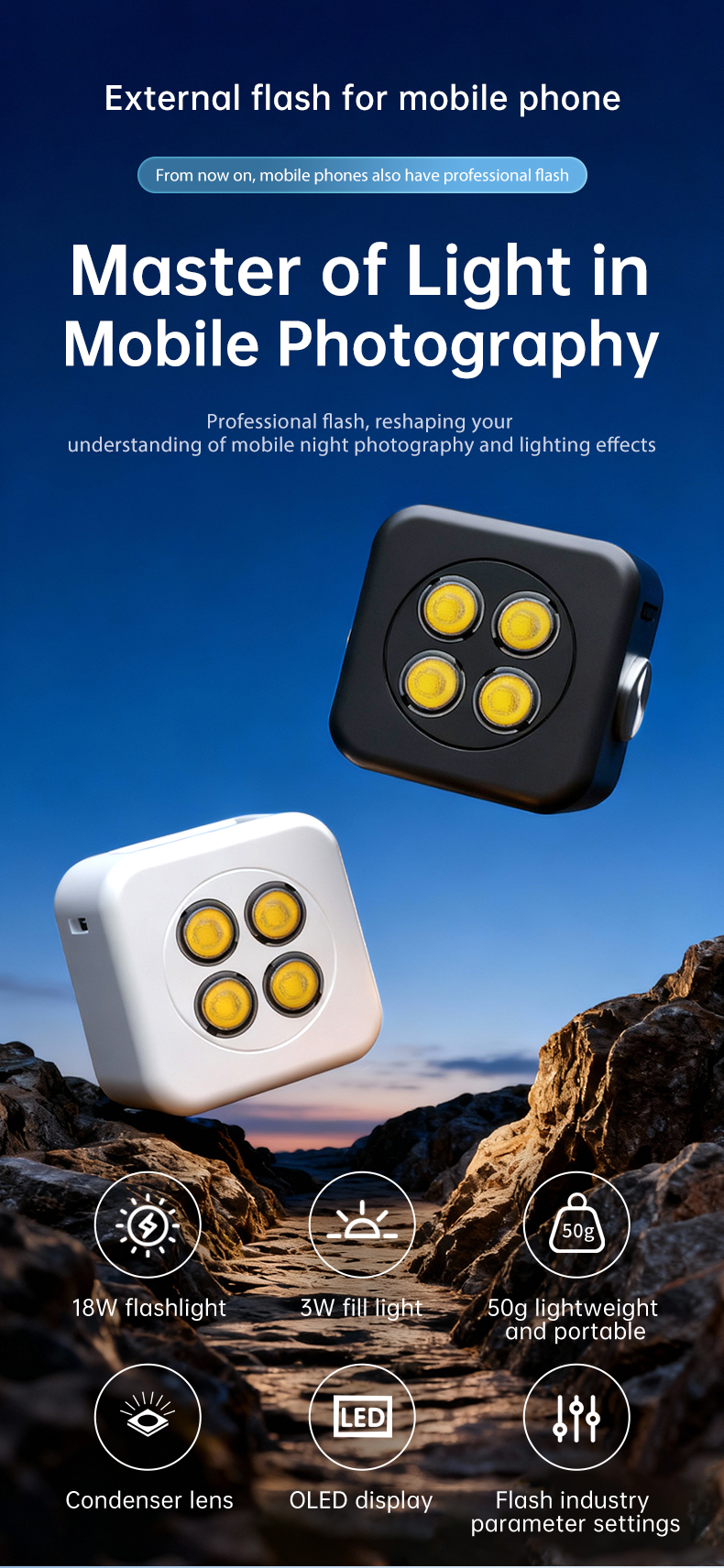
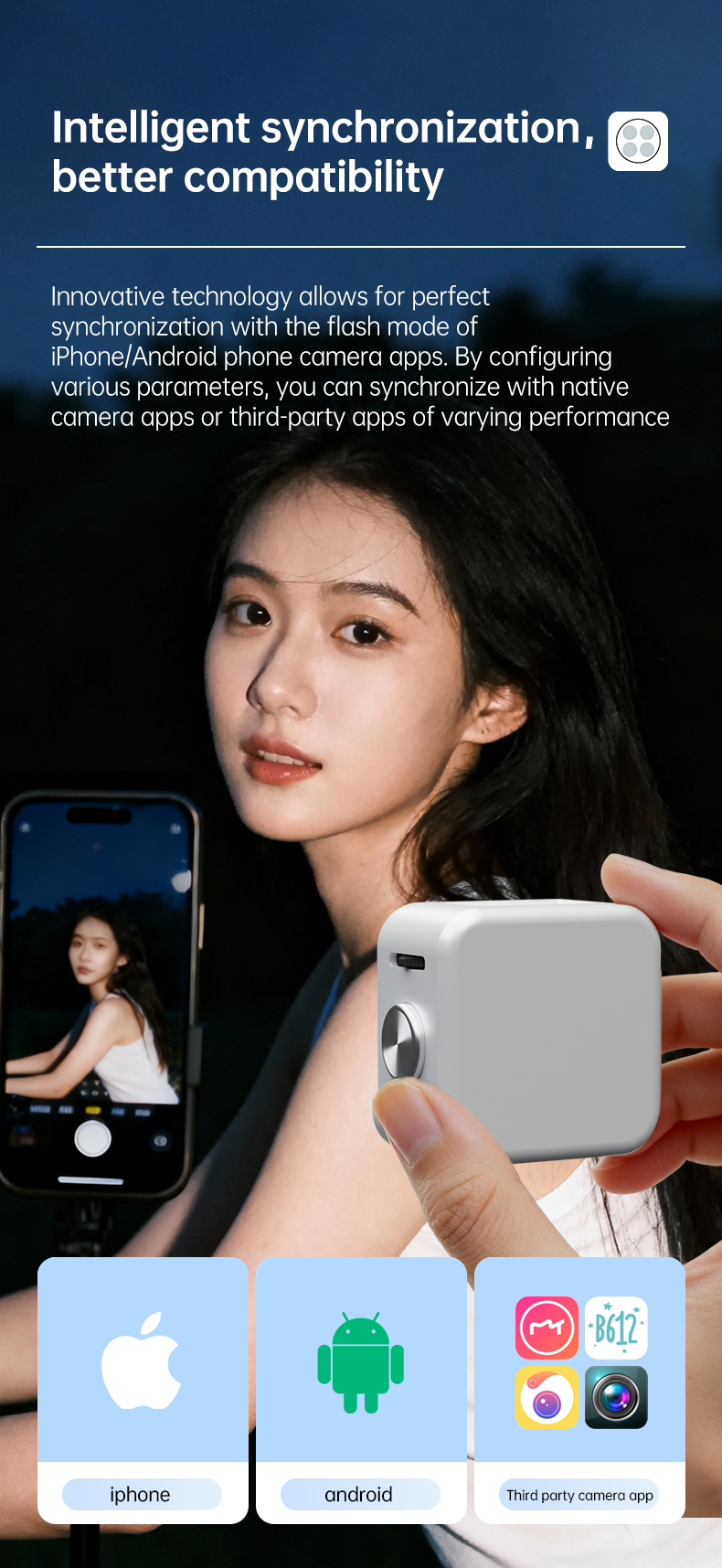
An external lighting device designed specifically for smartphones. It innovatively synchronises with the pop-flash mode of iPhone and Android phone cameras, with far greater output than the phone’s built-in flash. A condenser lens, high guide number and high CRI get much more out of your phone in low light, backlight, high-contrast scenes, and whenever you need to emphasise detail and texture. Constant-light mode works as a fill light, and the magnetic mount makes any angle easy.
Taken from the official instruction manual — see the PDF at the bottom for the full details.
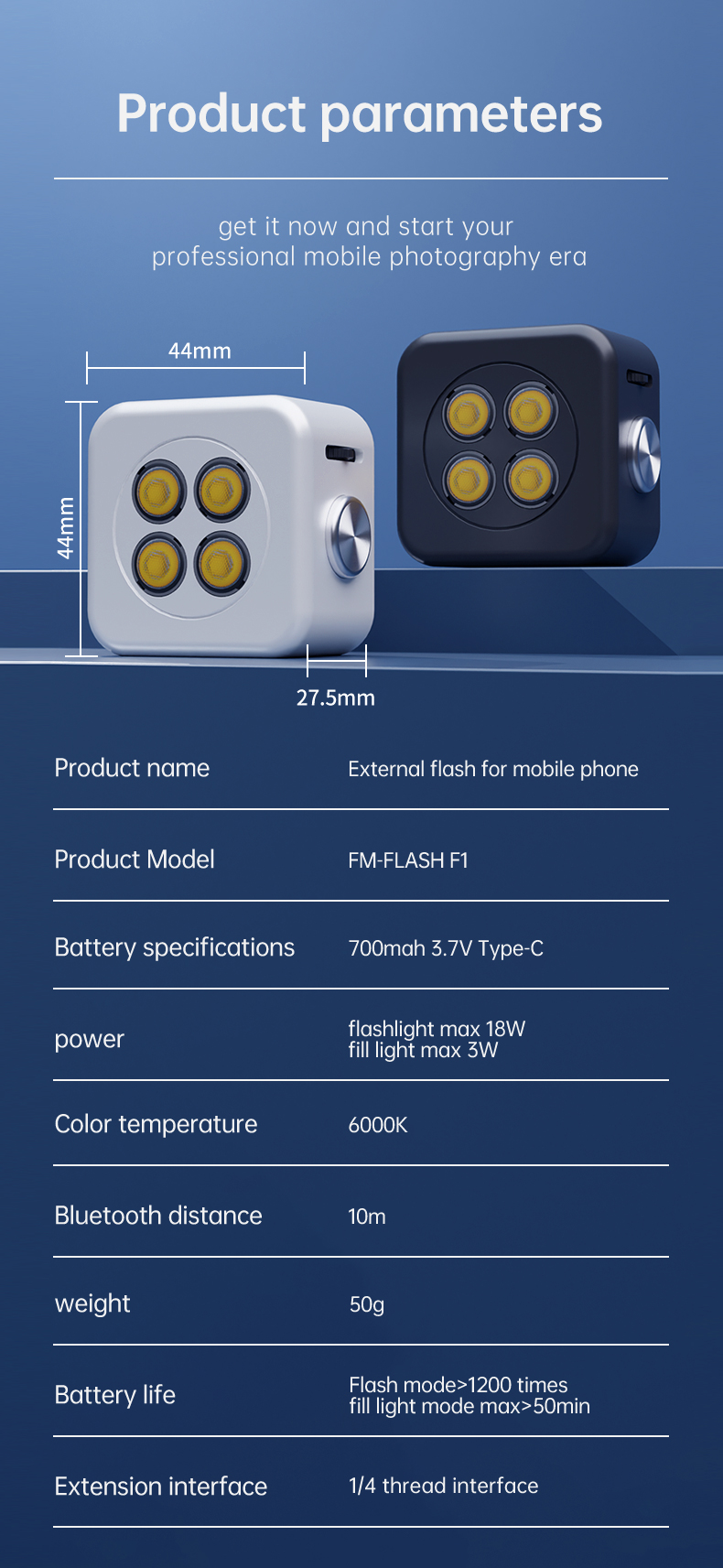
| Product name | External flash for mobile phone |
|---|---|
| Product model | FM-FLASH-F1 |
| Battery | 700mAh 3.7V · Type-C charging |
| Power | Flash 18W · light source 3W |
| Colour temperature | 6500K |
| Bluetooth range | 15m |
| Weight | 50g |
| Battery life | 1200 flashes / 50 min constant light |
| Extension | 1/4" thread |
Eight capabilities covering the whole mobile workflow, from freezing the moment to constant fill lighting.
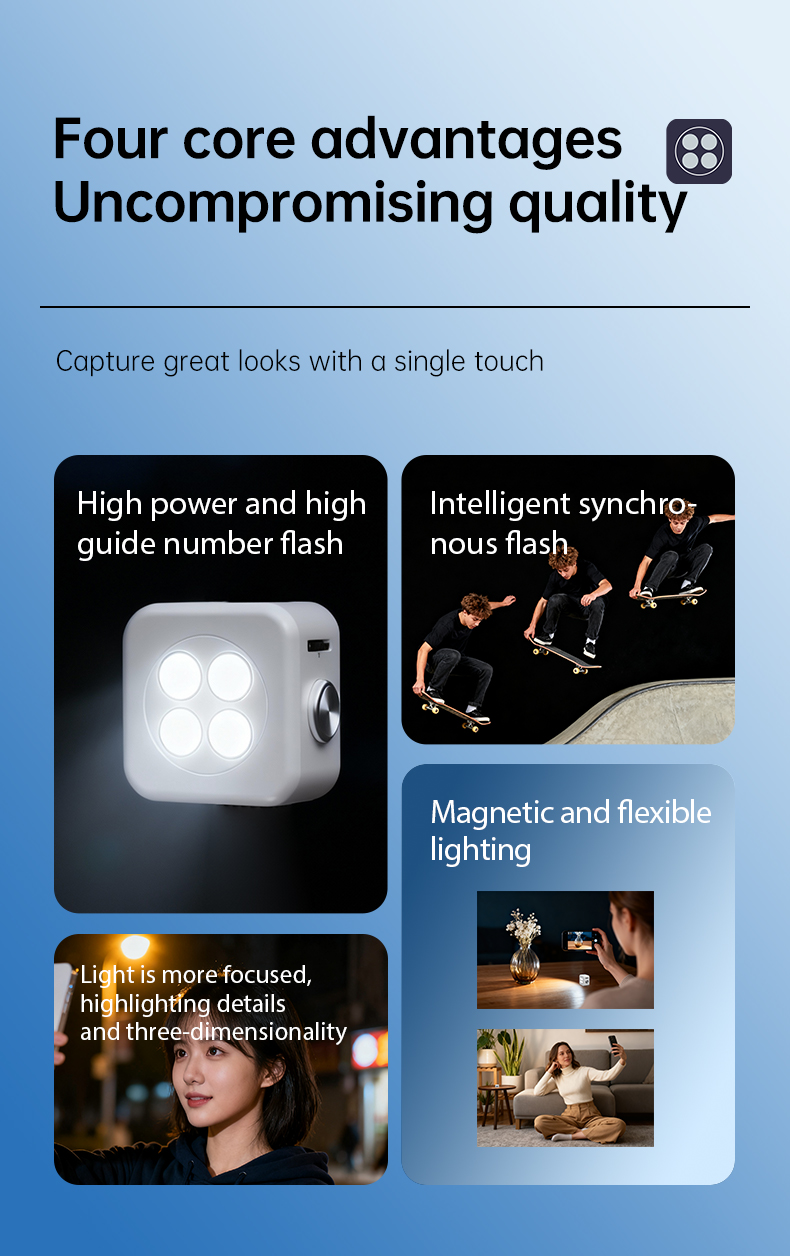
High power and guide number, intelligent sync, magnetic and flexible lighting — one device for low light, backlight and high-contrast scenes.
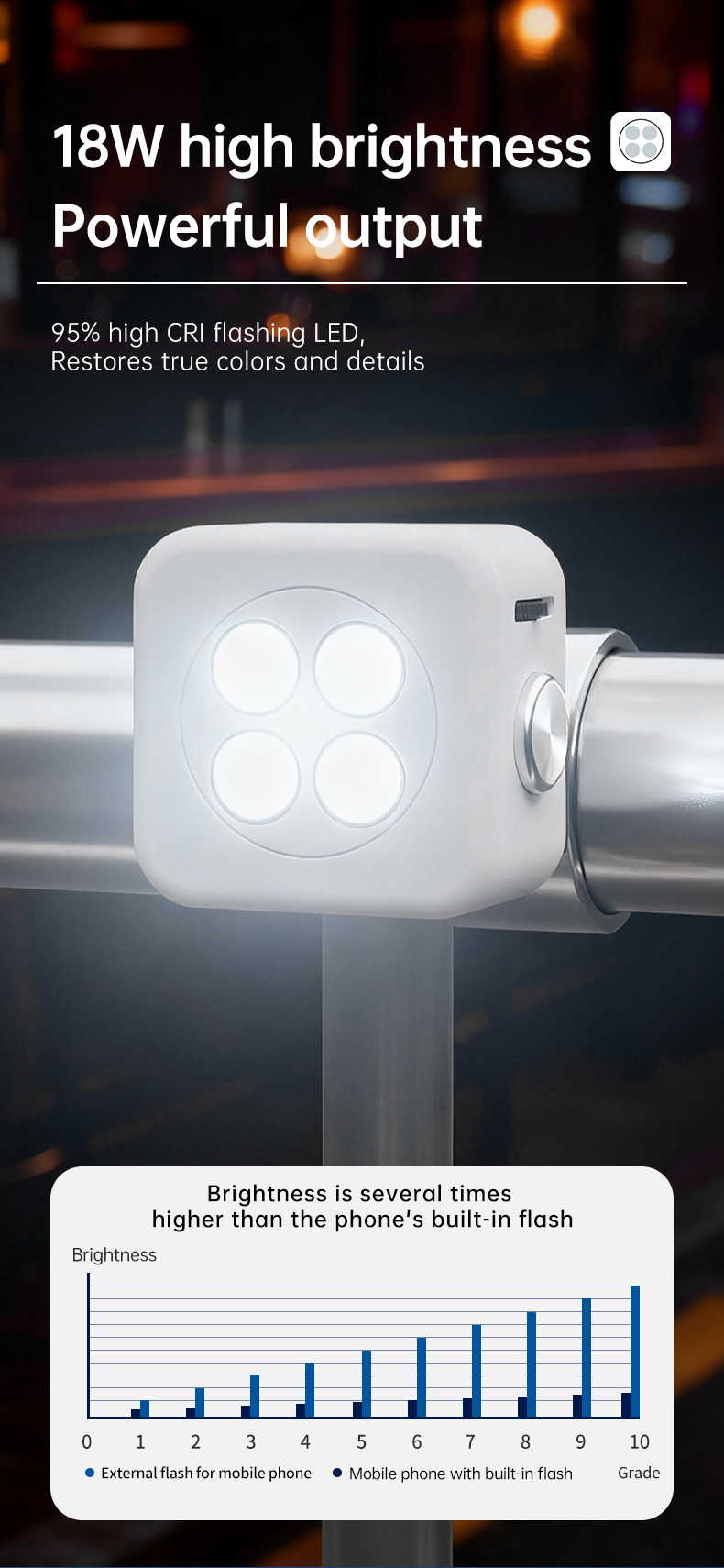
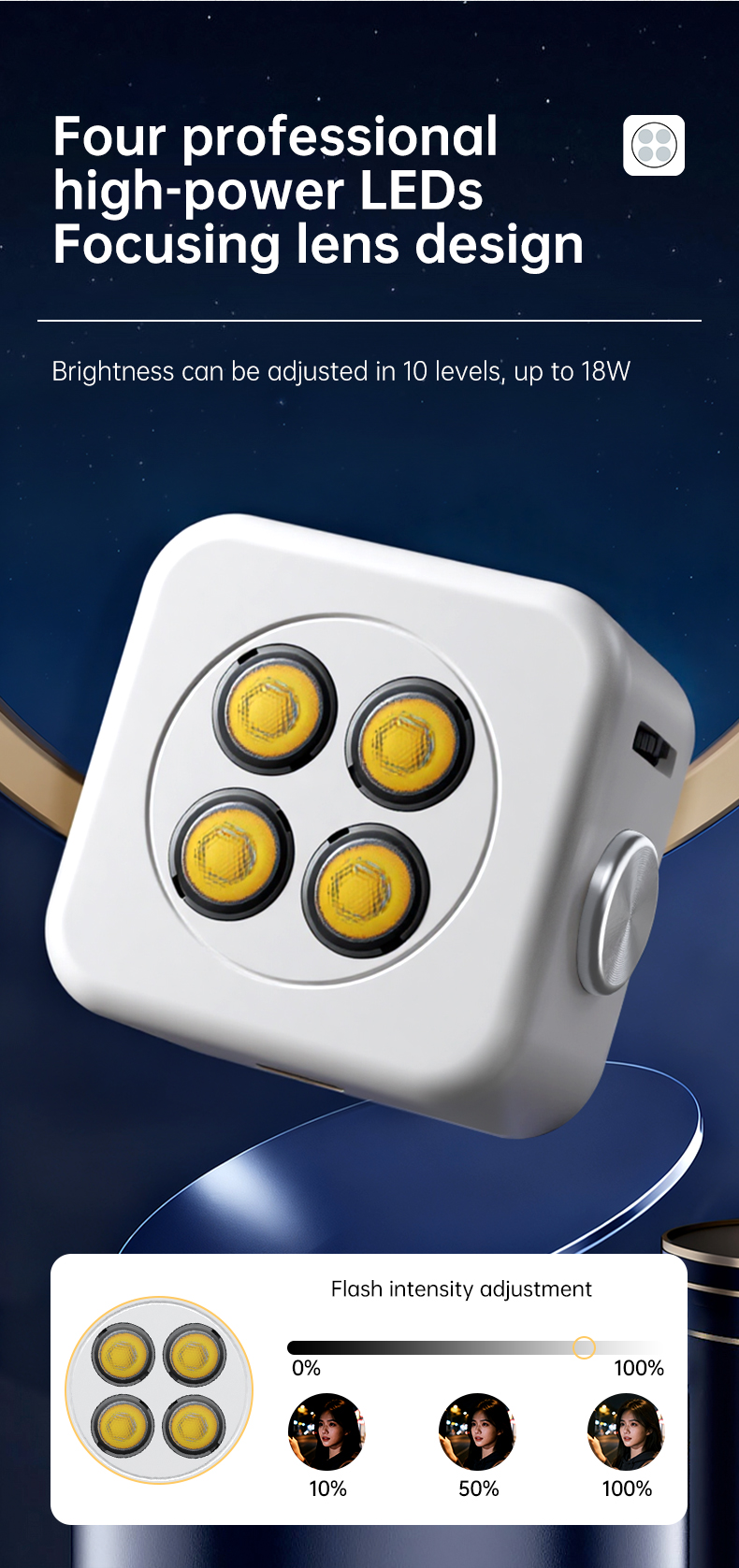
95% high-CRI flash LED restores true colour and detail; several times brighter than a phone’s built-in flash.
Configure flash modes together with phone apps; compatible with third-party apps (iOS / Android / MIUI).
Brightness adjustable in 10 steps up to 18W; flash intensity 3W / 25% / 50% / 75% / 100%.
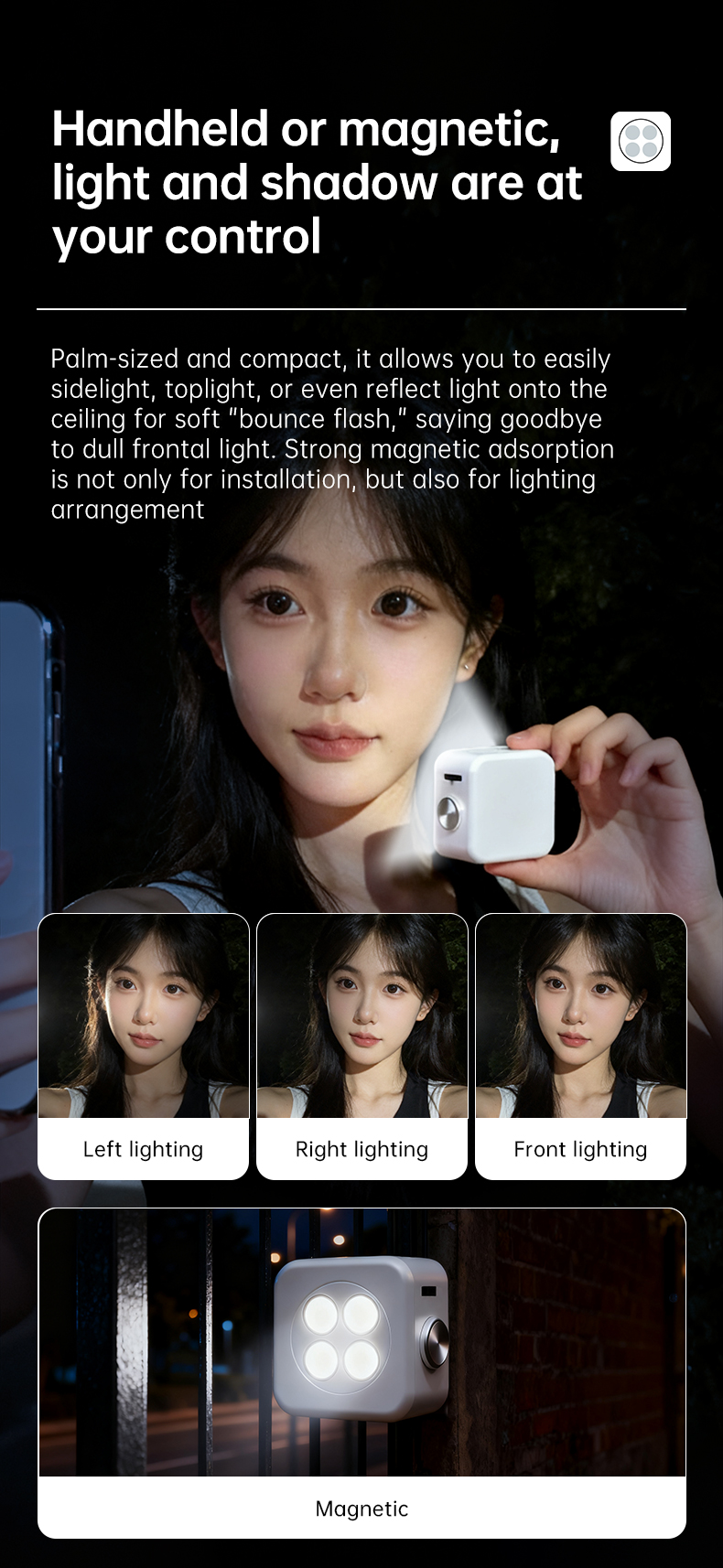
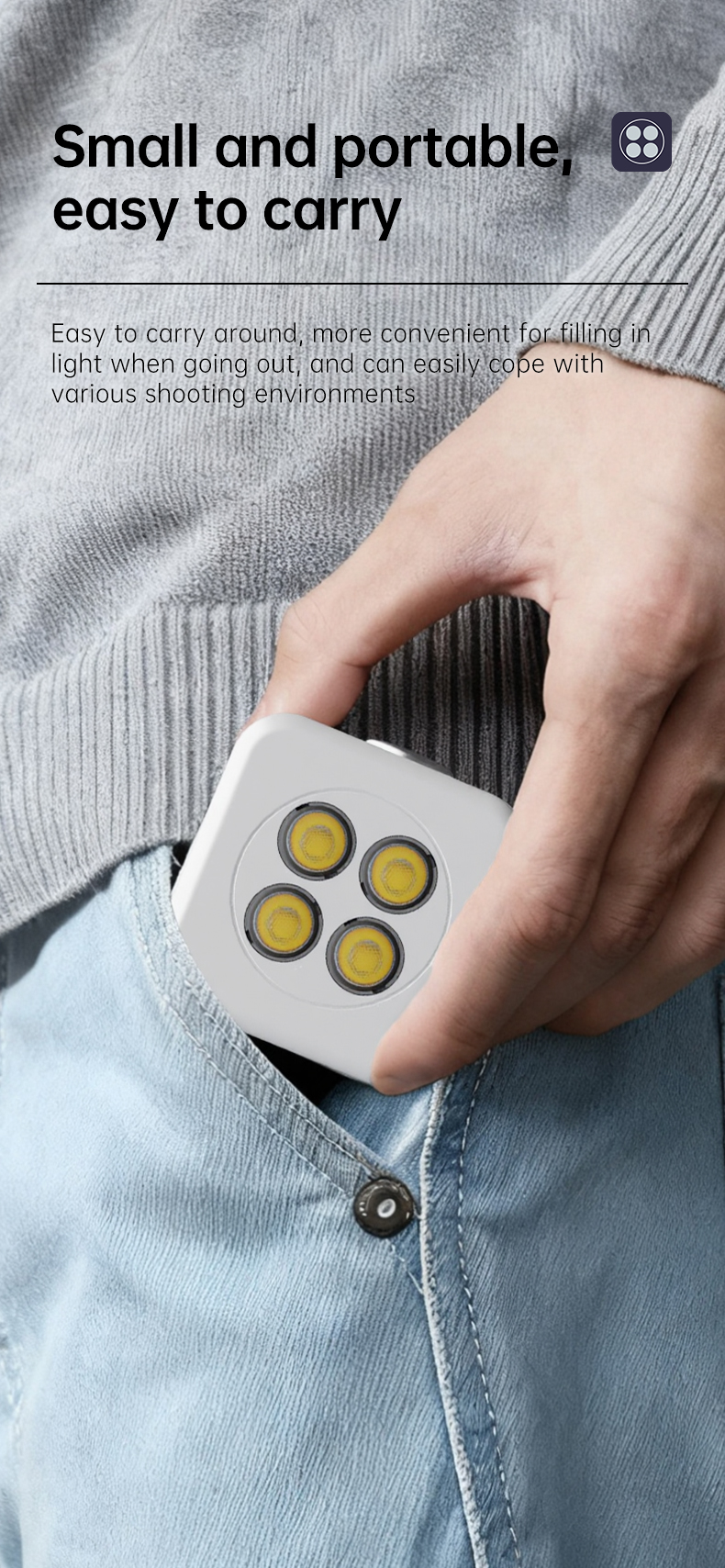
Palm-sized and easy to carry; bounce flash for selfies creates gradation and texture, and magnetic accessories make fill light easy — left, right or front lighting.
A high-definition display shows brightness, mode and battery level; Type-C charging and a large-capacity lithium battery.
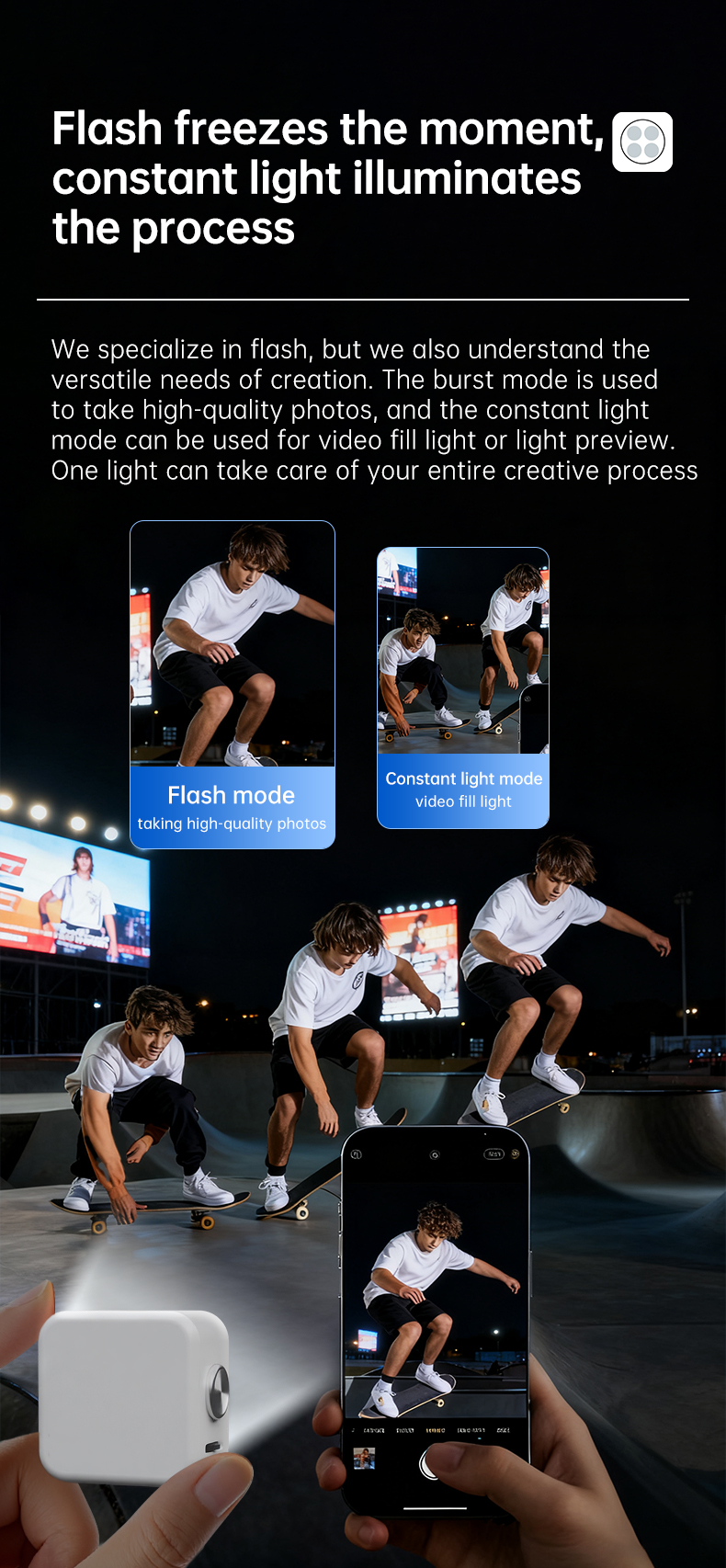
18W pop flash freezes the instant; 3W constant mode records the whole creative process. One light covers every stage.
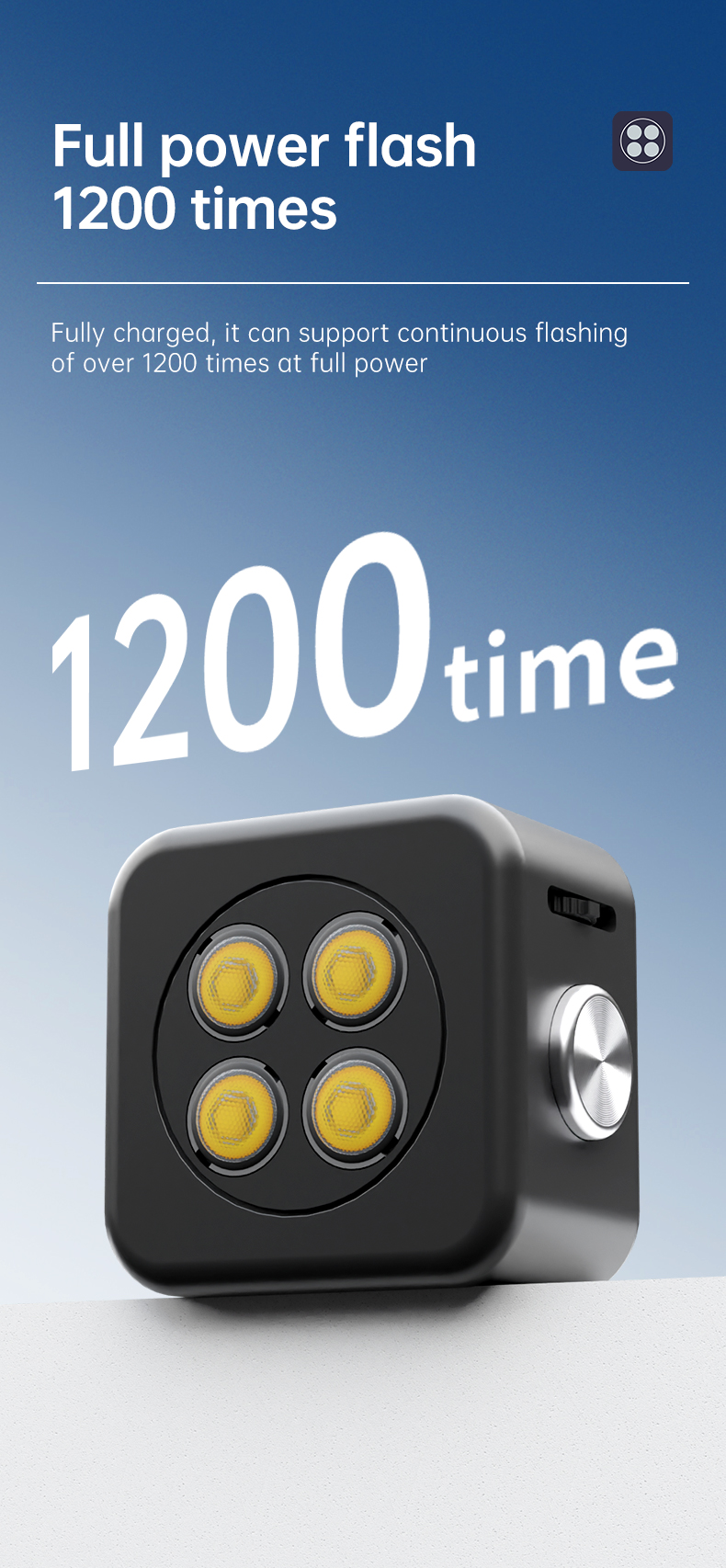
A full charge supports over 1200 full-power flashes, or 50 minutes of constant fill light.
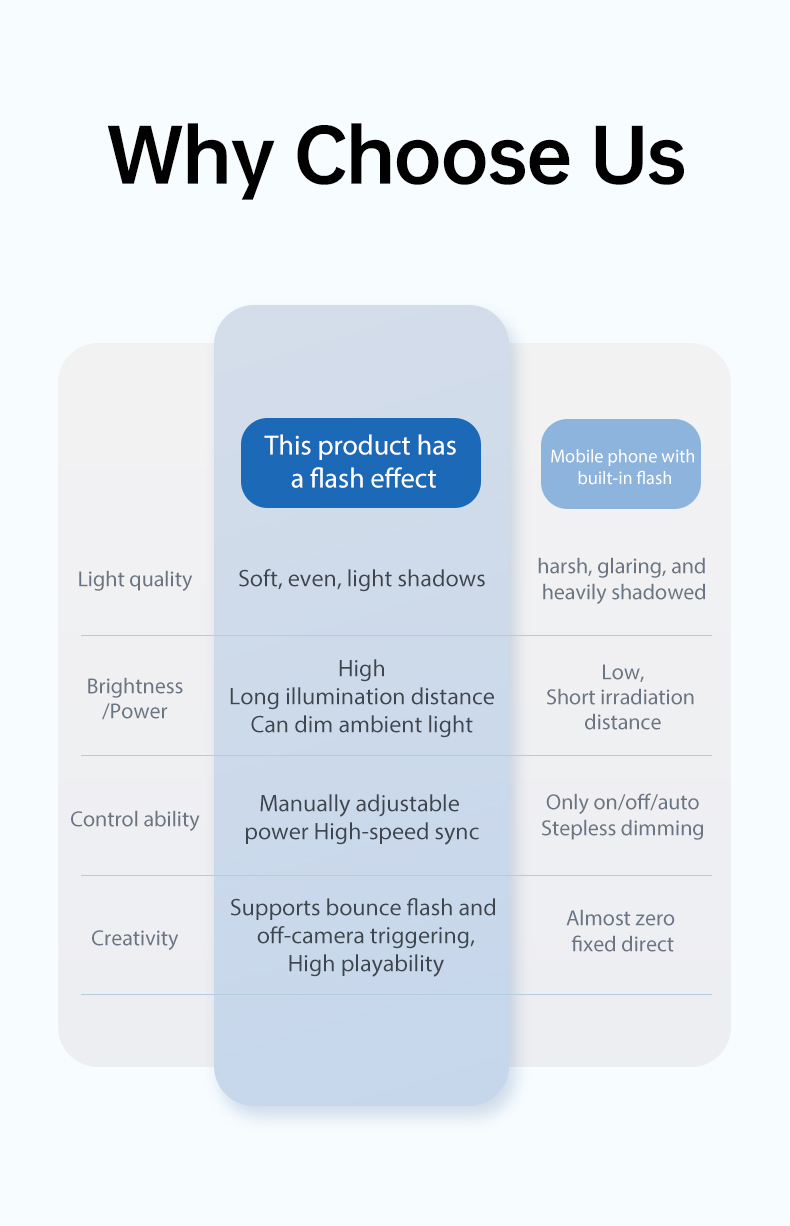
Compared with a phone’s built-in flash, FM-FLASH F1 leads on light quality, power, control and creative freedom.
| FM-FLASH F1 | Phone’s built-in flash | |
|---|---|---|
| Light quality | Soft and even, with gradation | Hard, direct light |
| High power | 18W, long illumination distance | Low power, short distance |
| Control | On-screen multi-mode control, no extra app | Basic on/off |
| Creativity | Bounce flash and light shaping | Limited |
| Compatibility | Works with almost any phone | Only a few models |
The high-definition OLED screen shows the current function and parameters in real time, with a 4-bar battery gauge and clear Bluetooth status.
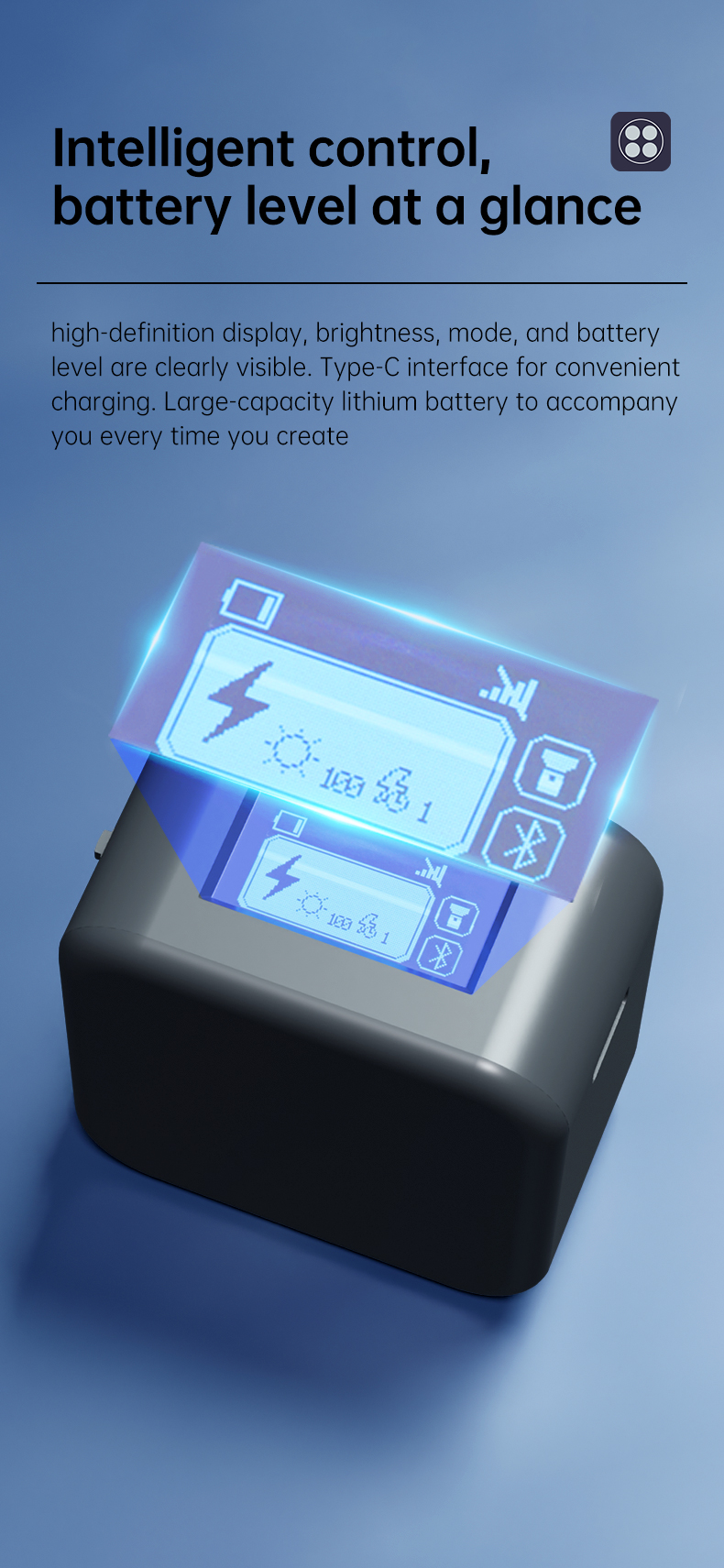
Hold the independent button for 3 seconds to power on or off; slide the multi-function button to switch modes and click to enter settings.
Power on / off · With the device off, hold the independent button for 3 seconds to power on into the main screen; hold it for 3 seconds again to power off.
Bluetooth · Bluetooth is on by default after power-on. Search for FM-FLASH_XXXX in your phone’s Bluetooth settings — the main screen shows the connection state. Once connected, triggering the flash also triggers your phone shutter.
Mode switching · On the main screen, slide the multi-function button left or right to switch between flash, constant-light and Bluetooth configuration modes.
Flash parameters · In flash mode, click the multi-function button to enter settings; slide left/right to choose brightness or metering duration. Click the power key to return.
Constant light · In constant-light mode, click the multi-function button to enter brightness settings, select it, then slide left or right to adjust.
Charging · Charge with a Type-C cable. The status shows “charging” until full. Functions cannot be triggered while charging.
The Bluetooth device name is FM-FLASH_XXXX; once connected to your phone, triggering the flash also triggers the phone shutter.
Pair remote · Set Bluetooth status to “Pair” and press the multi-function button to enter pairing mode with the remote control.
Normal Bluetooth · Set Bluetooth status to “On” and press the multi-function button to return to normal Bluetooth mode.
Clear pairings · Select the number of Bluetooth connections, then hold the multi-function button for 4 seconds to clear all pairing information.
Click any image to enlarge; use ← / → to browse.
Diffuser accessories, bulk purchase and compatibility questions — contact support or business.