EN 中文
Get Support
HOMEPRODUCTFM-ETZFM-EFTZFM-MTZ MACROFM-FLASH F1CY-NZPK-NZMD-NZFD-NZMANUALTOOLCUSTOMCONTACTEN → 中文
Home/PRODUCT/FM-EFTZ Pro
FM-EFTZ · CANON EF → NIKON Z

Canon EF lenses
autofocus on Nikon Z

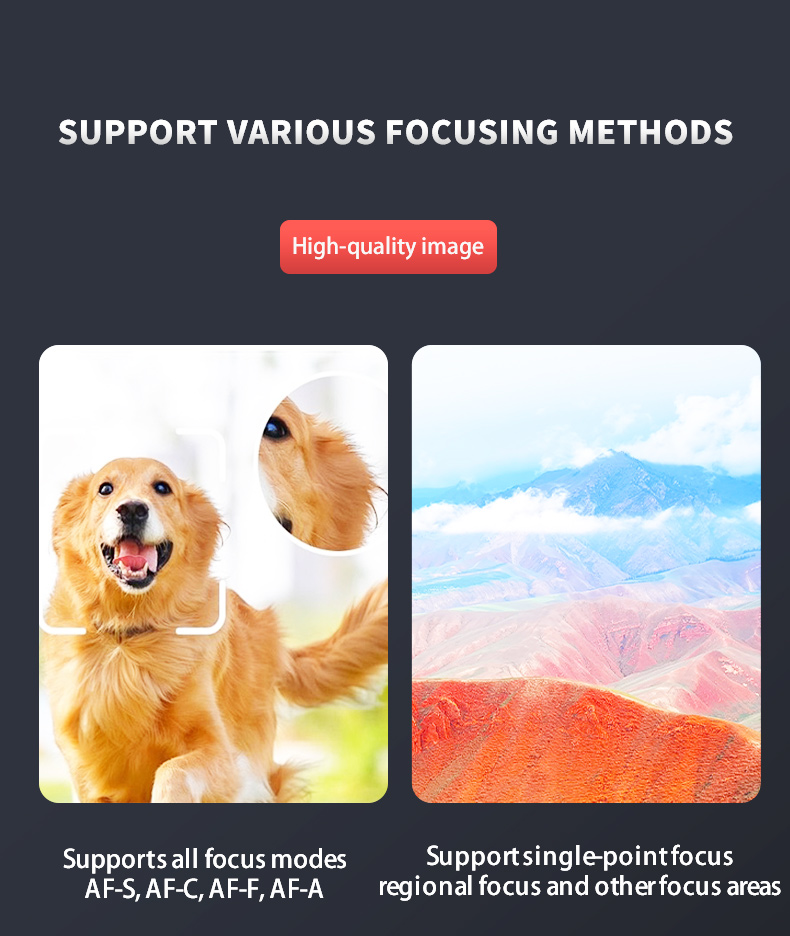
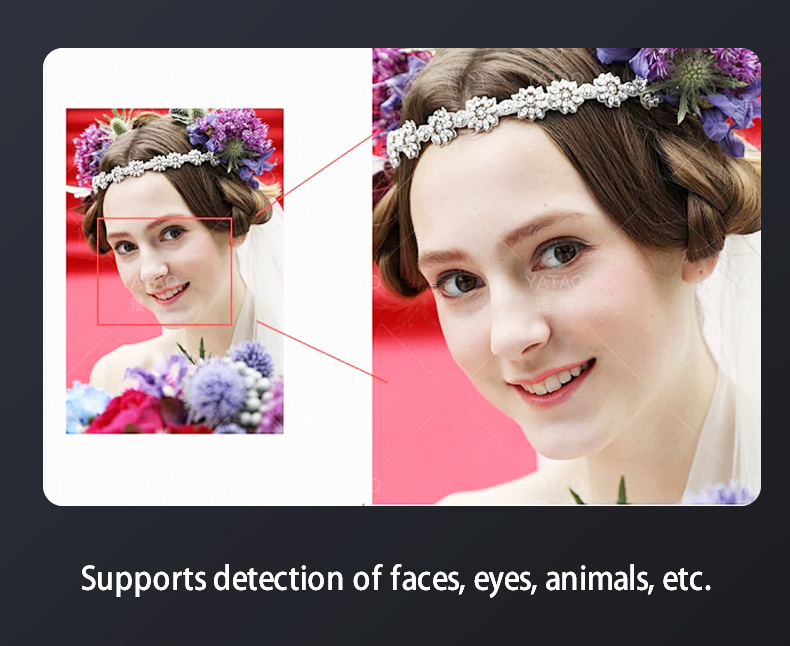
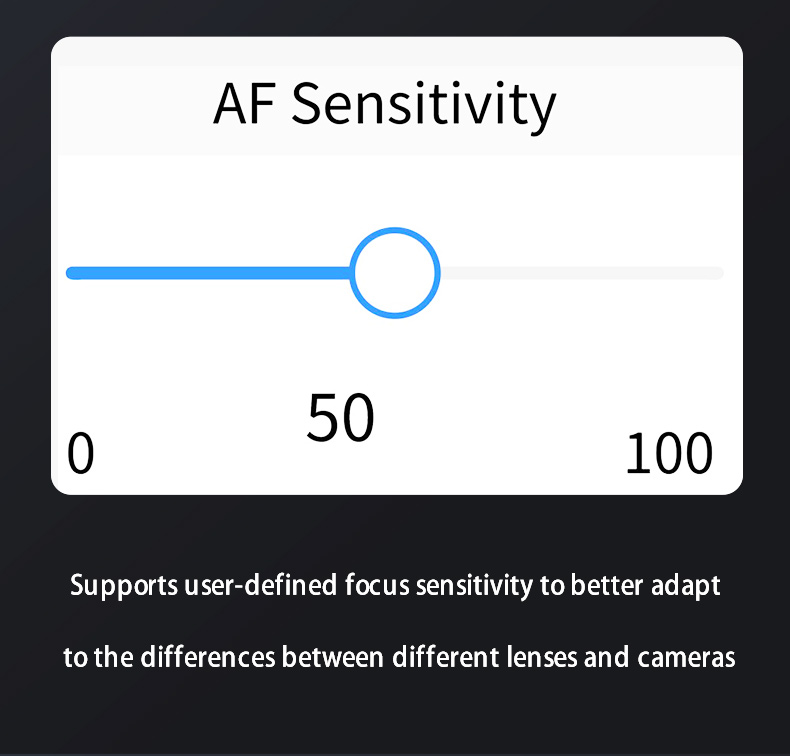
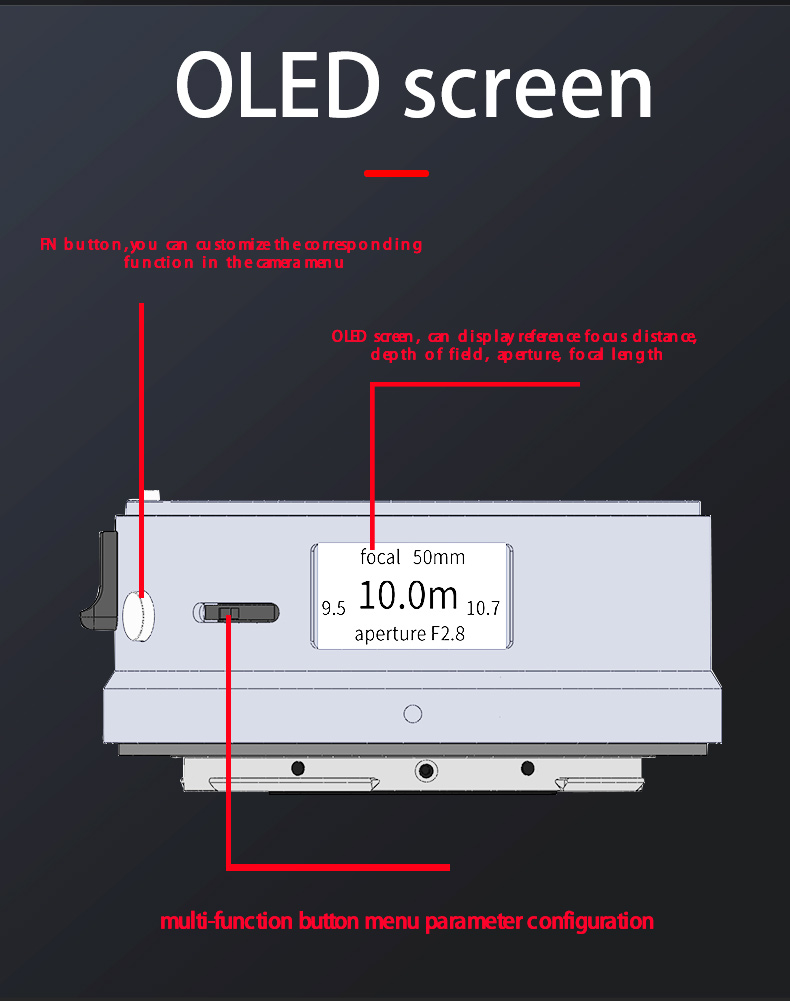
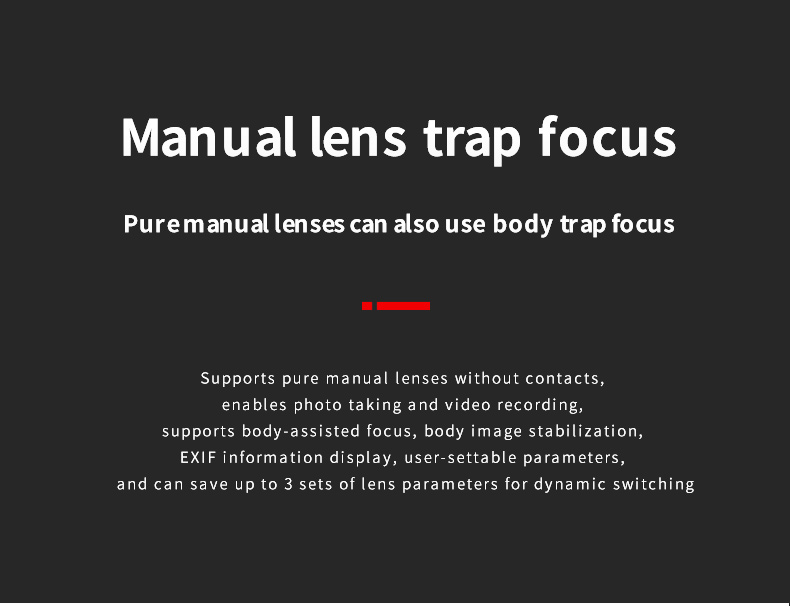
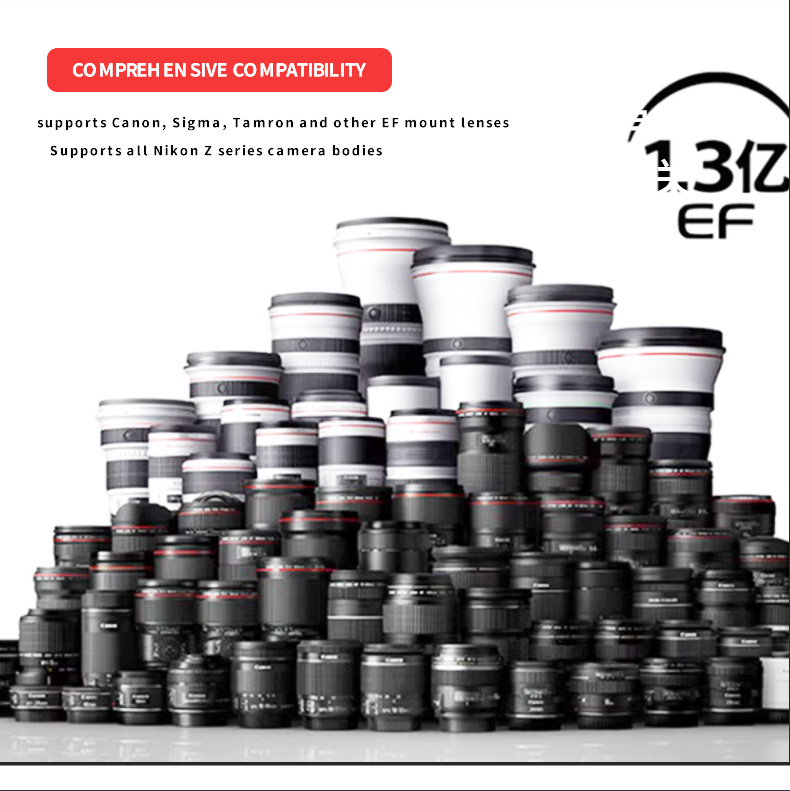
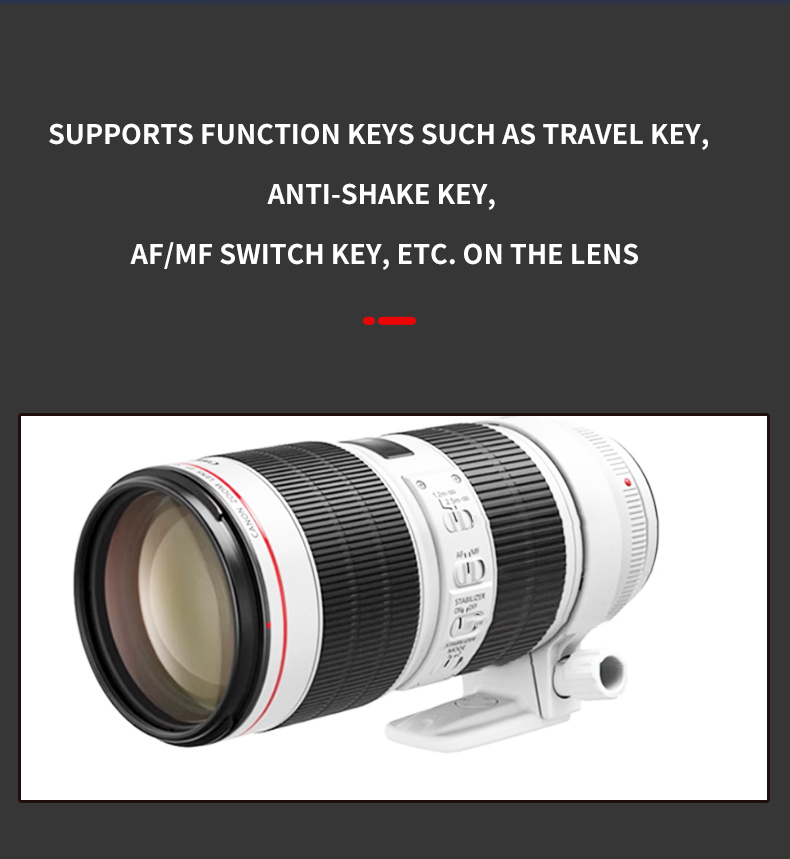
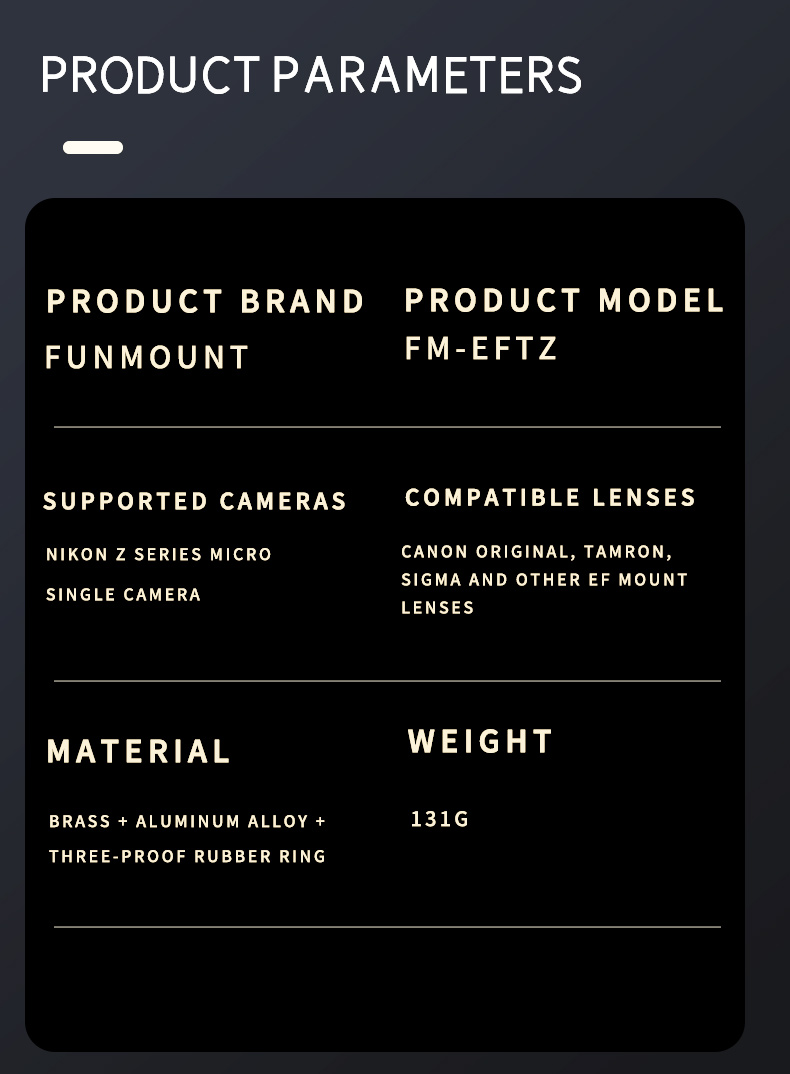
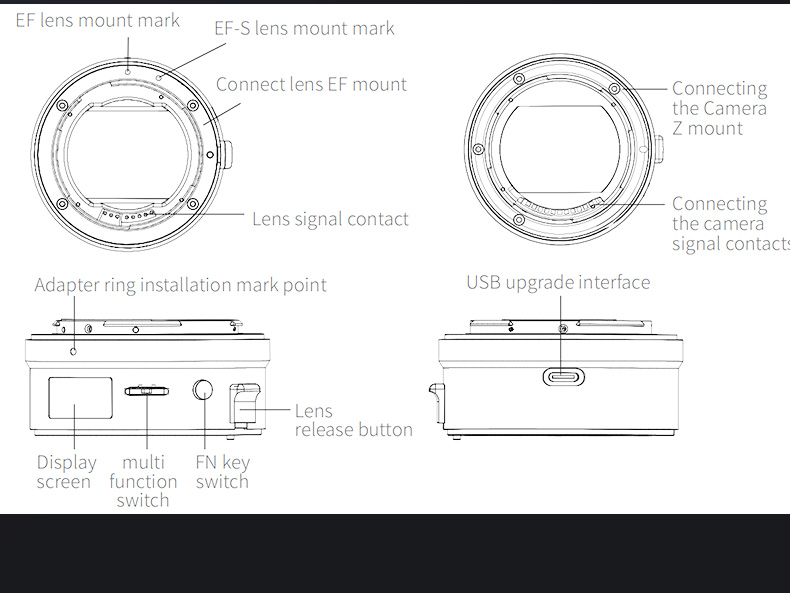
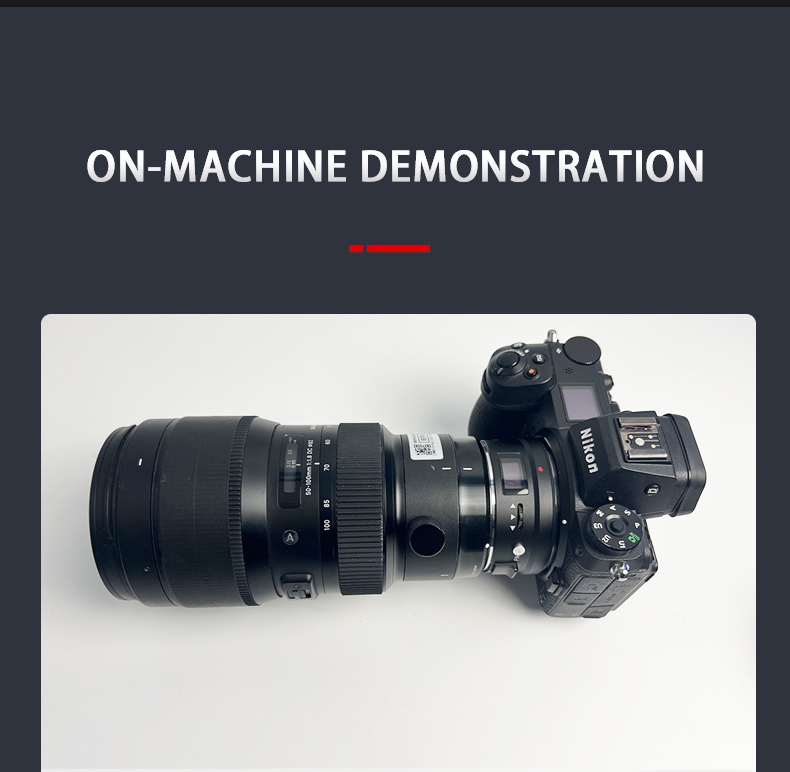
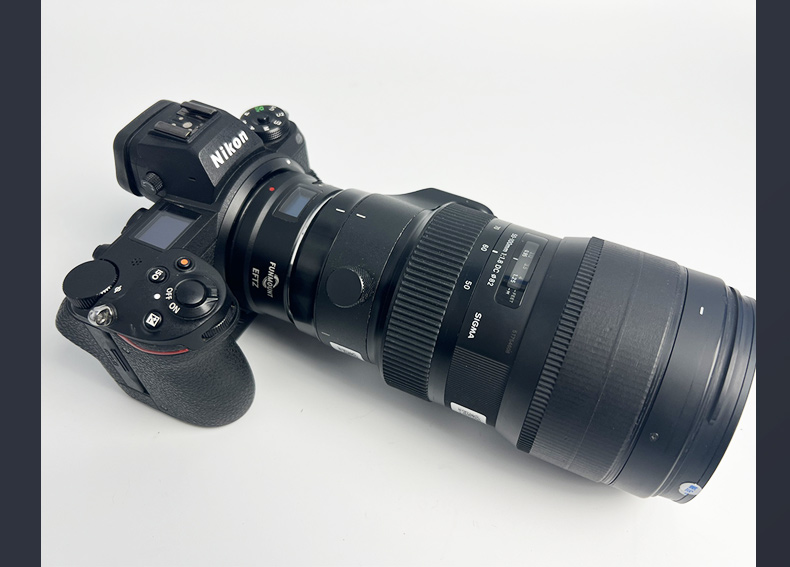
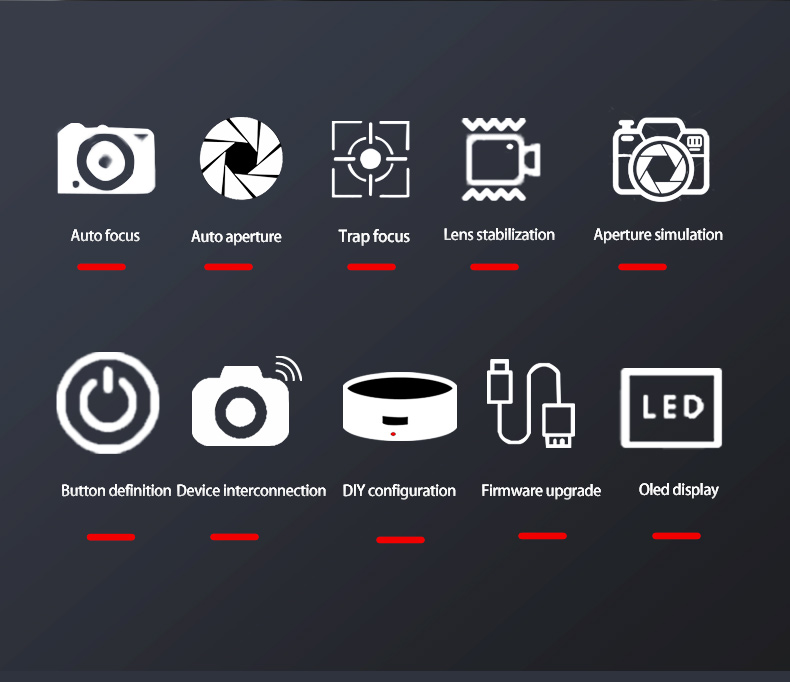
FM-EFTZ uses a high-performance processor to handle complex algorithms, giving it greater upgrade headroom and flexibility. It adapts Canon EF lenses to Nikon Z cameras with autofocus and full functionality. An all-copper, high-precision machined body, OLED screen, custom FN button and everyday weather sealing — combined with an on-screen menu that stores up to 16 lenses — adapt better to the differences between lenses and bodies.
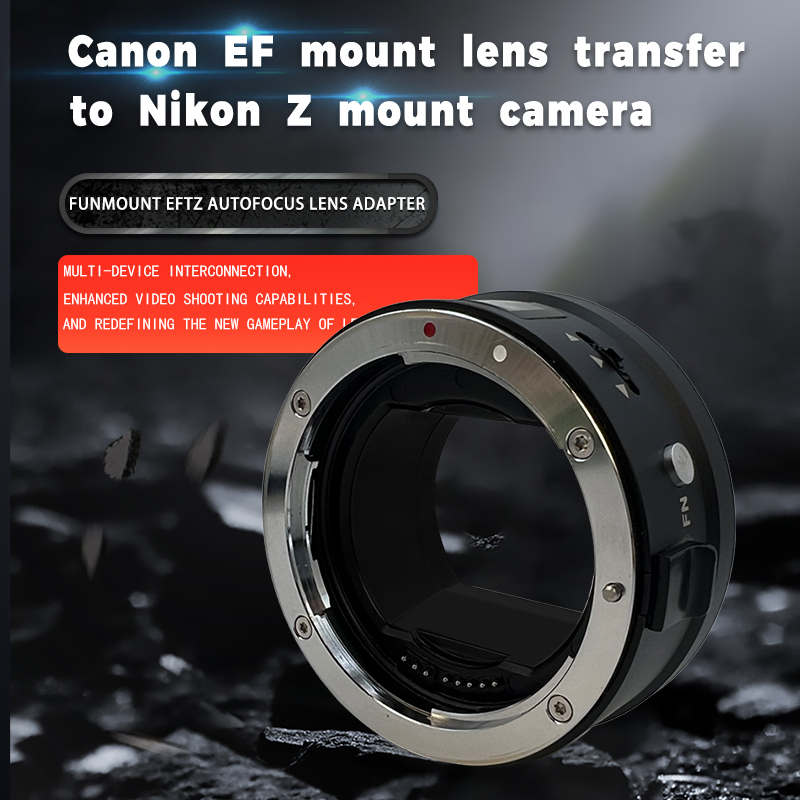
All-copper · chromeOLED screenFN custom buttonWeather sealed
FM-EFTZ Pro
Firmware

Firmware Downloads

Firmware updates improve lens compatibility and focus performance. Please confirm the model and version before upgrading.

ZIP
FM-EFTZ_V2_6_0 firmware + release notes350.90 KB · Released 2025-12-10
Download ↓
ZIP
FM-EFTZ_V2_5_0 firmware + release notes347.77 KB · Released 2025-07-27
Download ↓
ZIP
FM-EFTZ_V2_4_0 firmware345.12 KB · Released 2025-07-16
Download ↓
6 records · showing the latest 3 builds View all firmware →
How to upgrade

How to Upgrade

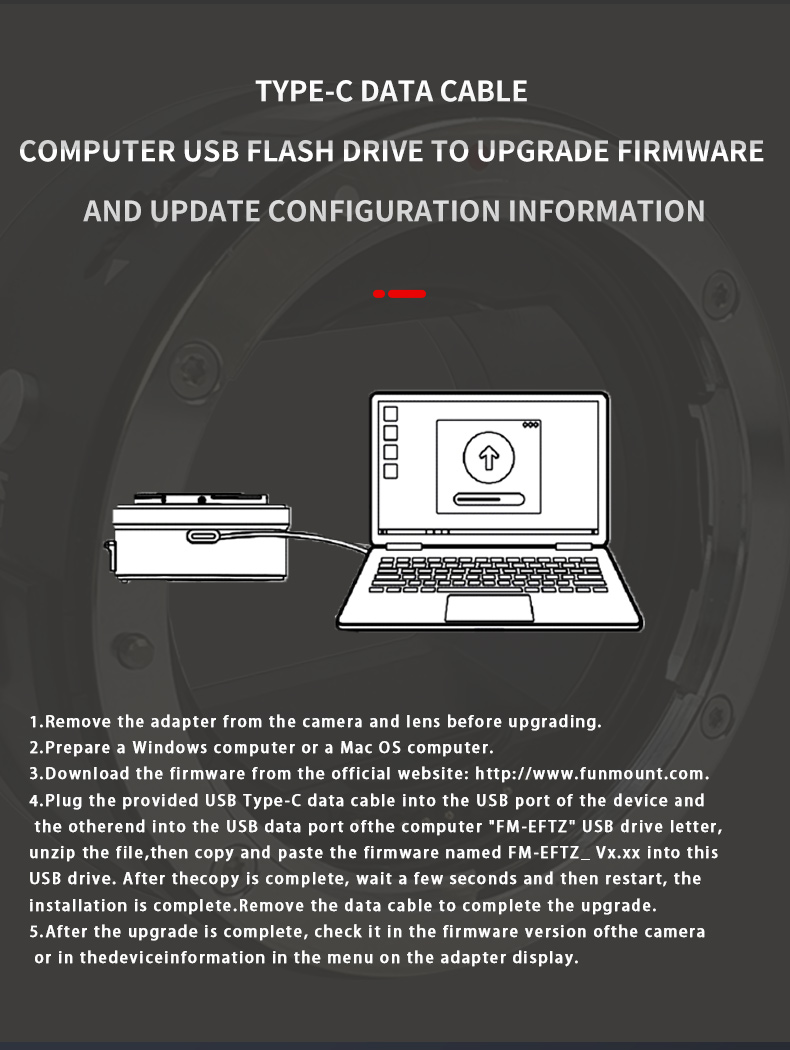
Remove the adapter from the camera and lens first — the whole process takes about a minute.

1

Remove the adapter from the camera and lens before upgrading.

2

Prepare a Windows PC or a Mac.

3

Download the firmware from the official website: https://www.funmount.com.

4

Plug the supplied USB Type-C cable into the device and the other end into your computer. An “FM-EFTZ” USB drive appears — unzip the file and copy the firmware named FM-EFTZ_Vx.x.x into it. Wait a few seconds, restart, then unplug the cable to finish.

5

After upgrading, check the version in the camera body firmware menu or in the device info of the adapter’s display menu.

Release notes

Release Notes

A complete record of every compatibility improvement and bug fix.

V2.6.02025 / 12 / 10
  • Fixed an issue where some lenses would affect the camera body's image stabilization switch
  • Added a focus control convergence algorithm to improve accuracy
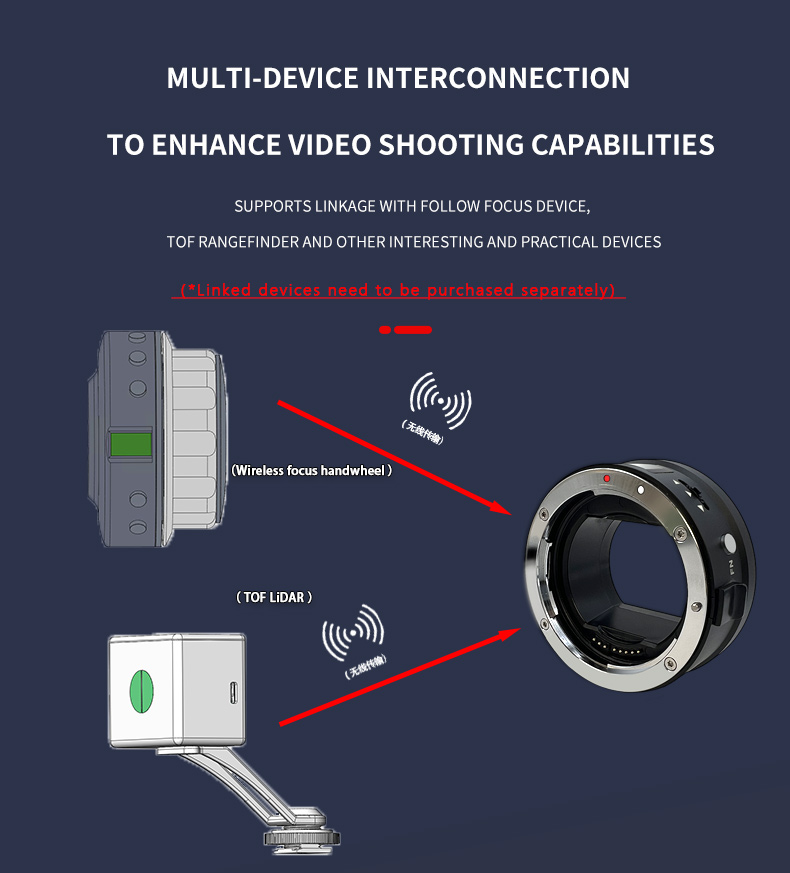
  • Added support for a Bluetooth configuration tool, allowing wireless control of aperture, focus, and manual lens assisted focus parameter settings
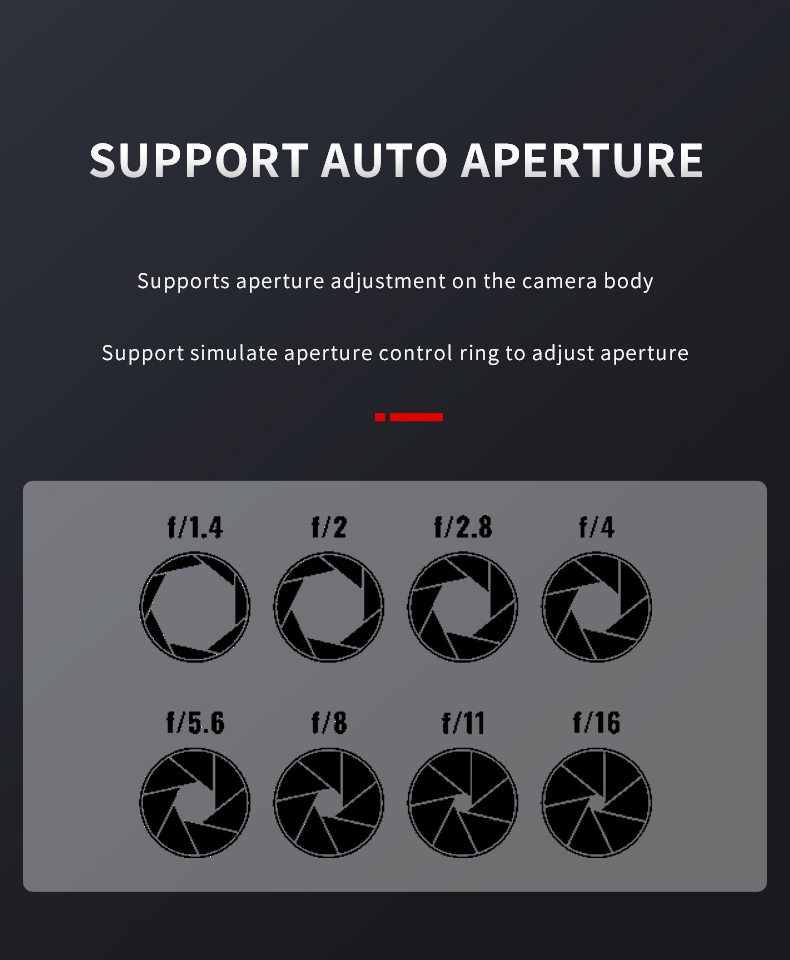
  • Fixed several issues with simulated aperture ring control, such as abnormal aperture behavior when adjusting the aperture after reaching the minimum aperture, and inaccurate actual aperture readings for non-constant aperture lenses after manual adjustment and focal length changes
  • Added a software exception handling mechanism for some older lenses or lenses with inconsistent motor pulse signals to improve usability
V2.5.02025 / 7 / 27
  • Greatly optimized focus performance, smooth response of AFS, and solved the wandering of AFC focus
V2.4.02025 / 7 / 16
  • Overall optimization of focus processing logic to improve the real-time focus response
  • Correction of non-constant aperture lens, the OLED display does not change when moving from the telephoto end to the near end. Bug fix
  • Improved wireless handwheel remote control linkage, which can match the upcoming wireless handwheel products
V2.3.02025 / 5 / 21
  • Optimize focus control to solve the compatibility of Tamron 10-18 F4.5-6.3, Canon 17-40F4 and other lenses
  • Optimize system software to improve stability and solve possible firmware upgrade failures and configuration file errors
Show 2 earlier versions
V2.2.02025 / 4 / 25
  • Improve compatibility with Tamron 35 F1.4, 50F1.8, EFS and other lenses,
  • Improve the focus algorithm control strategy to improve the overall focus performance
  • Solve the problem of occasional MF when starting for the first time after changing the lens
V2.1.0
Gallery

Gallery

Click any image to enlarge; use ← / → to browse.
SUPPORT

Need help upgrading?

Failed upgrade, version check or compatibility questions — our support team can help one to one.

Contact support →Open Bluetooth upgrade tool